
Guide
Setting up Corppass access for Bizfile
7 April 2026
Audience
Accountants
Accounting entities
Approved liquidators
Banking and investment professionals
Business valuation professionals
Businesses
Corporate service providers (CSP)
Public
Training providers
Task or topic
Navigating Bizfile
You need to set up Corppass access to file transactions on Bizfile on behalf of your entity.
What is Corppass
Corppass is a corporate digital identity system for businesses and other entities to file online transactions with government agencies. Since 1 September 2018, it has been the single login method for all government-to-business transactions.
You will need Corppass to file any Bizfile transactions on behalf of your entity.
When you can apply for Corppass
You can apply for Corppass after you:
Register your business, investment fund or professional service with ACRA
Obtain your unique entity number (UEN)
How to apply for Corppass
You can apply for Corppass online (opens in new tab).
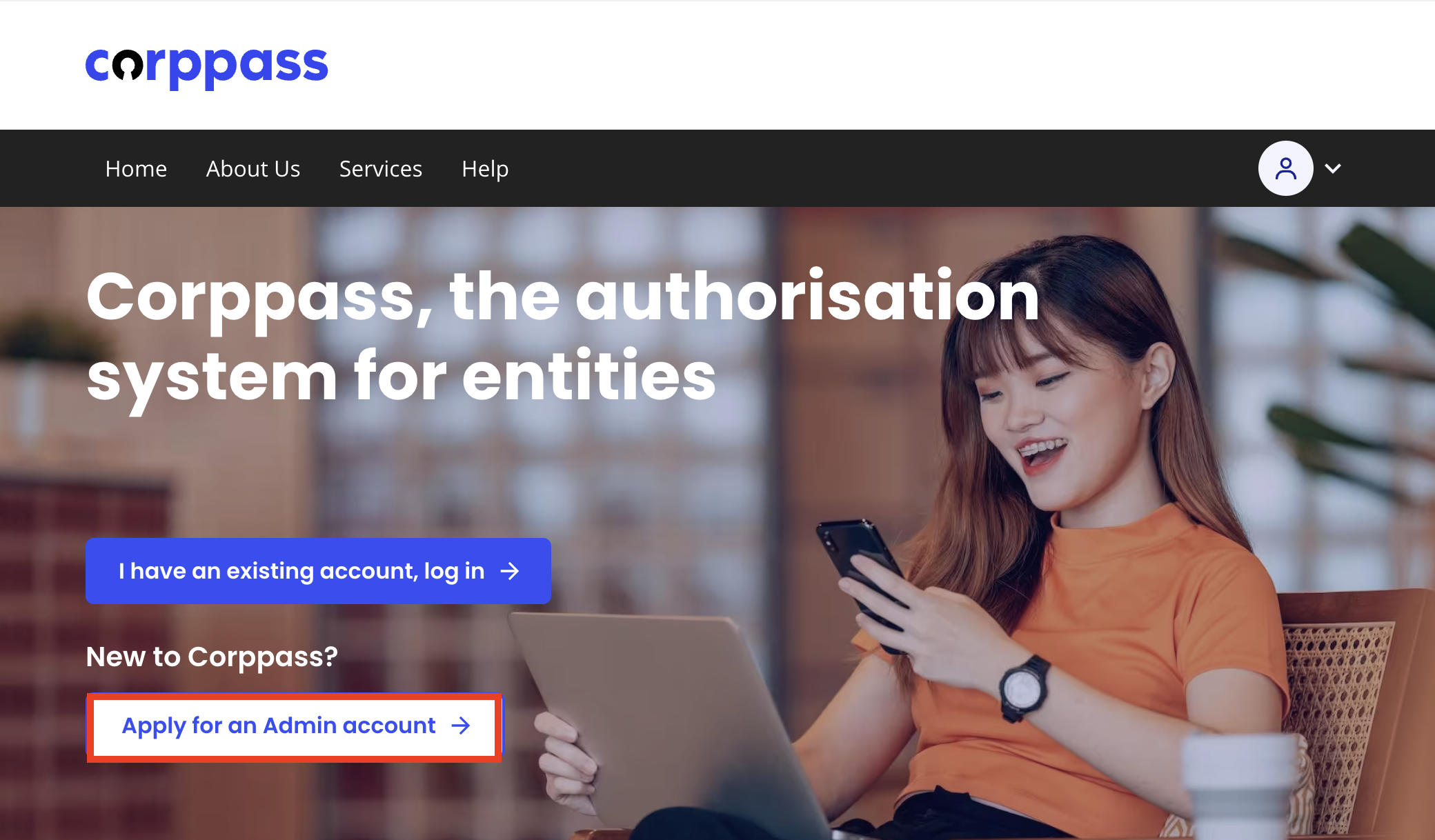
Click "Apply for an admin account" to start applying.
Related pages
Check your Corppass access
Even with a Corppass Admin account, you may get "not authorised" errors if your account does not have access to ACRA Bizfile.
To check your access:
Open the Corppass portal and log in with Singpass.
Select My Account, then click View My Profile and Assigned e-Services.
Check the "Customised e-Service Access" section to view the services you have been authorised for.
Check the "Default All e-Service Access" section: If the checkbox is ticked, you have access to all services onboarded with Corppass.