Guide
Filing a notice of cessation/resignation of position holder
28 August 2026
Audience
Businesses
Corporate service providers (CSP)
Public
Task or topic
Update registers or information
Individual position holders can notify ACRA immediately through the “File Notice of Cessation/Resignation of position holder” eService on Bizfile.
Before you file:
Use this guide to notify ACRA of the cessation or resignation of a position holder of a company, limited partnership (LP) or limited liability partnership (LLP) through the File Notice of Cessation/Resignation of position holder eService on Bizfile.
You can also notify ACRA of your resignation as director, secretary, partner, or manager of a company, LP or LLP, if there is reasonable cause to believe the company, LP or LLP will not act on your resignation.
You may file the notification for yourself or, where authorised, for another position holder.
Note (for directors of companies):
The resignation as a director is in accordance with the company’s constitution and not invalidated by section 145 of the Companies Act.
The company is required by law to report a person’s cessation as a director to ACRA within 14 days. If no attempts have been made to contact the company officer(s) to file the cessation, please cancel this transaction and contact the company immediately.
What you need to prepare
Required documents and information
For | What you need to prepare |
Resignation |
|
Bankruptcy |
|
Disqualification |
|
Fess and processing time
Notice of cessation/resignation of position holder
What you need to know | Details |
Fee | $0 |
Processing time | Applications that meet the requirements will be processed in accordance with our standard procedures and may be approved immediately. Applications requiring further review will be processed within 20 working days. We will notify you if additional time is needed. |
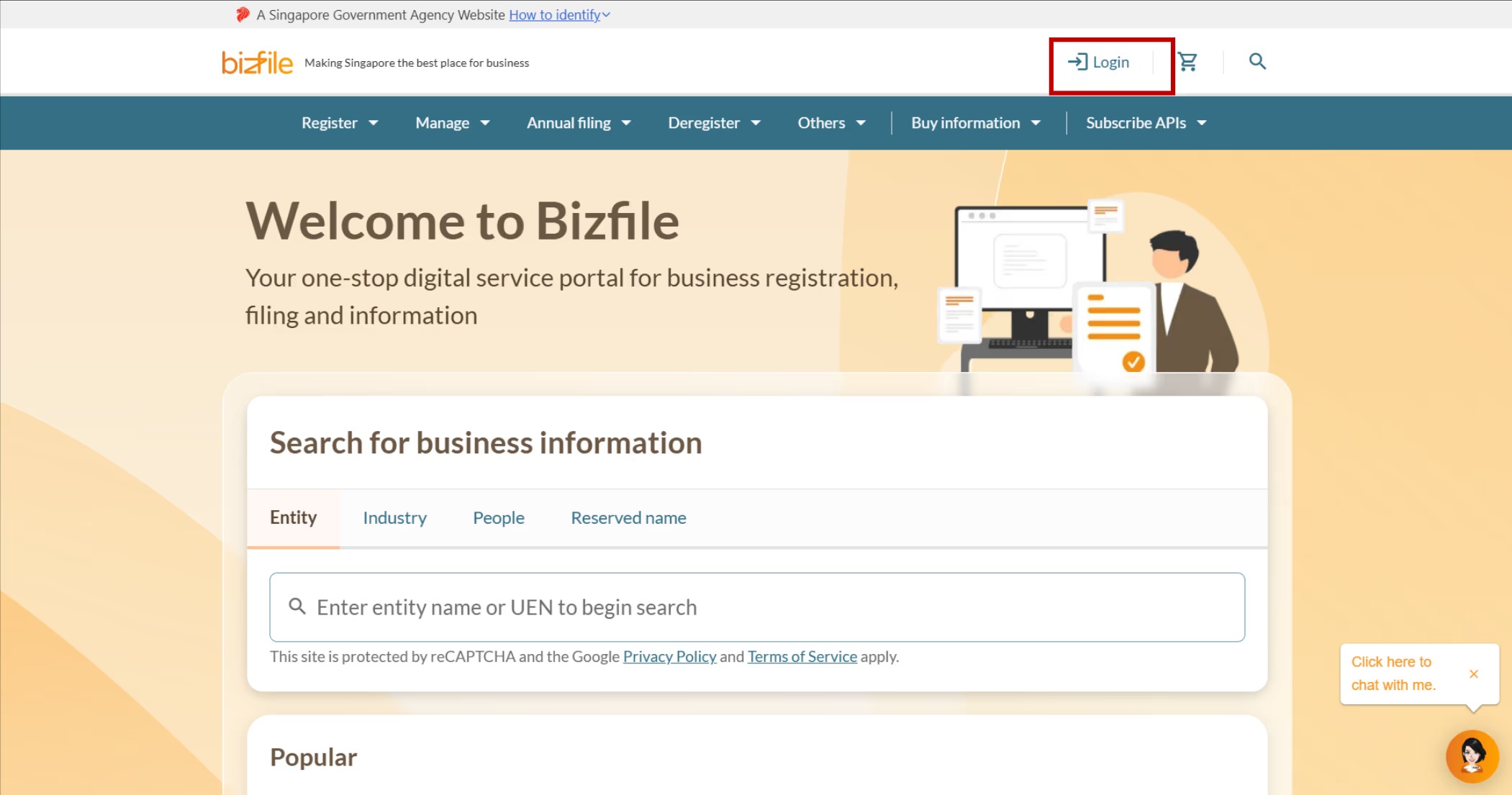
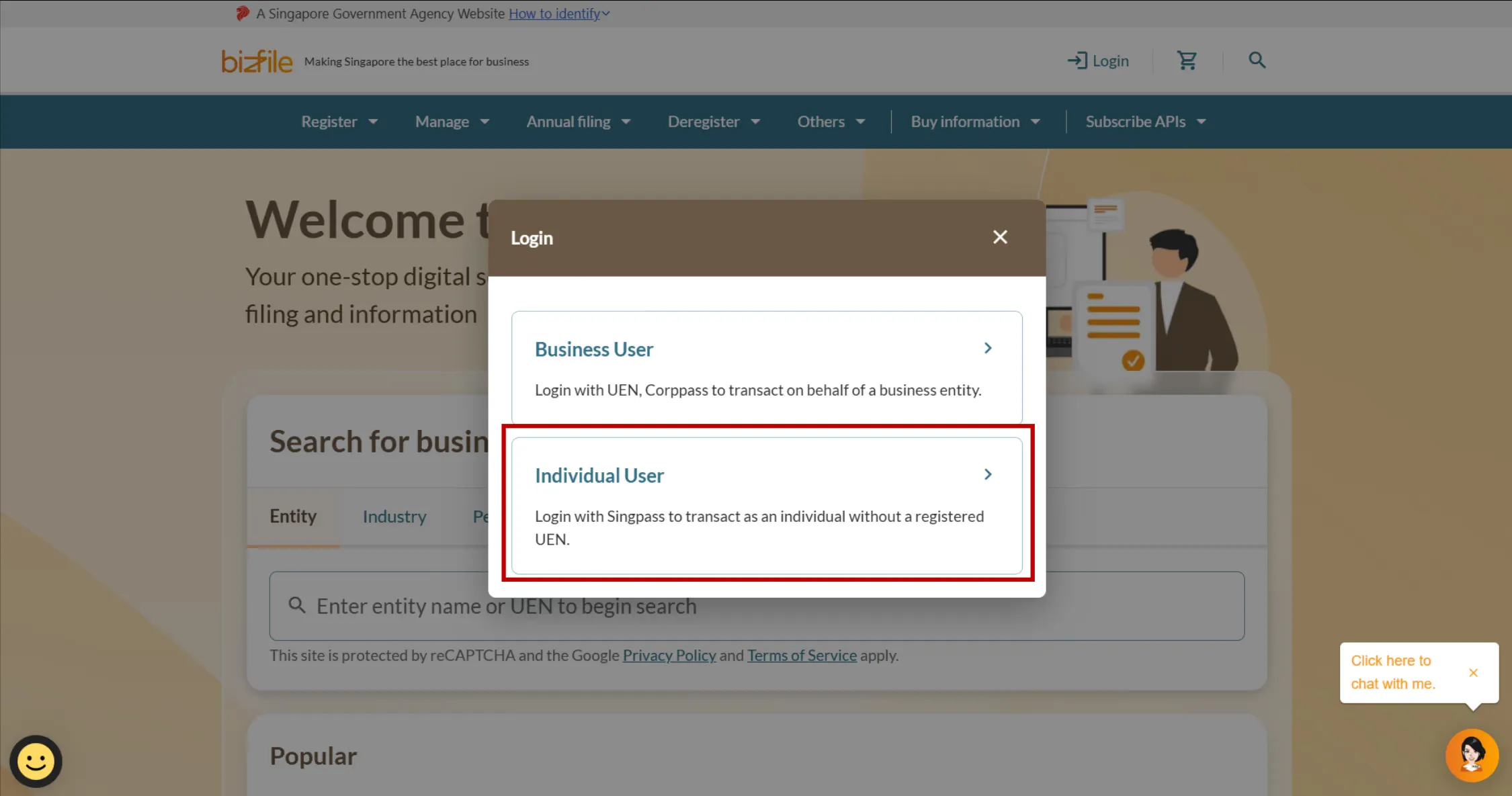
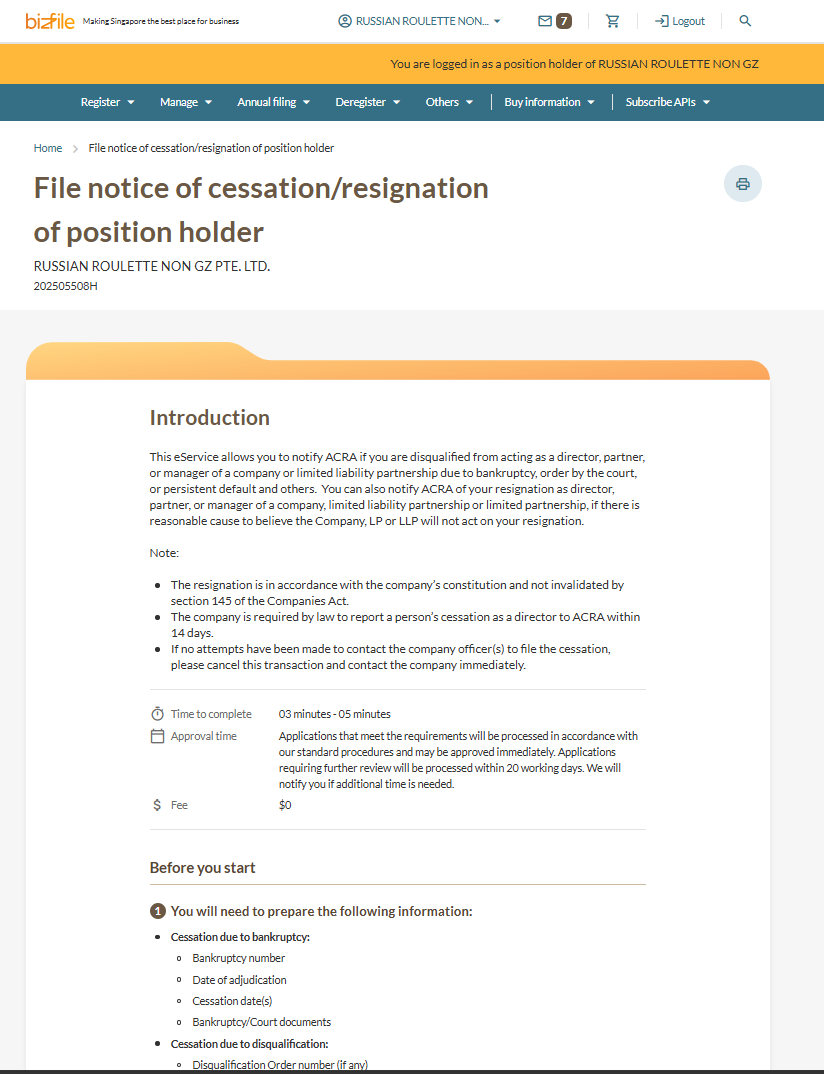
Step 1: Log in to Bizfile and open the “File notice of cessation/resignation of position holder” eService
Follow these steps to log in and navigate to the Notice of cessation/resignation of position holder (opens in new tab) eService.
Note: All entity and personal information (including UEN, entity details, NRIC or FIN numbers, names and addresses) shown are dummy data for illustration purposes only.
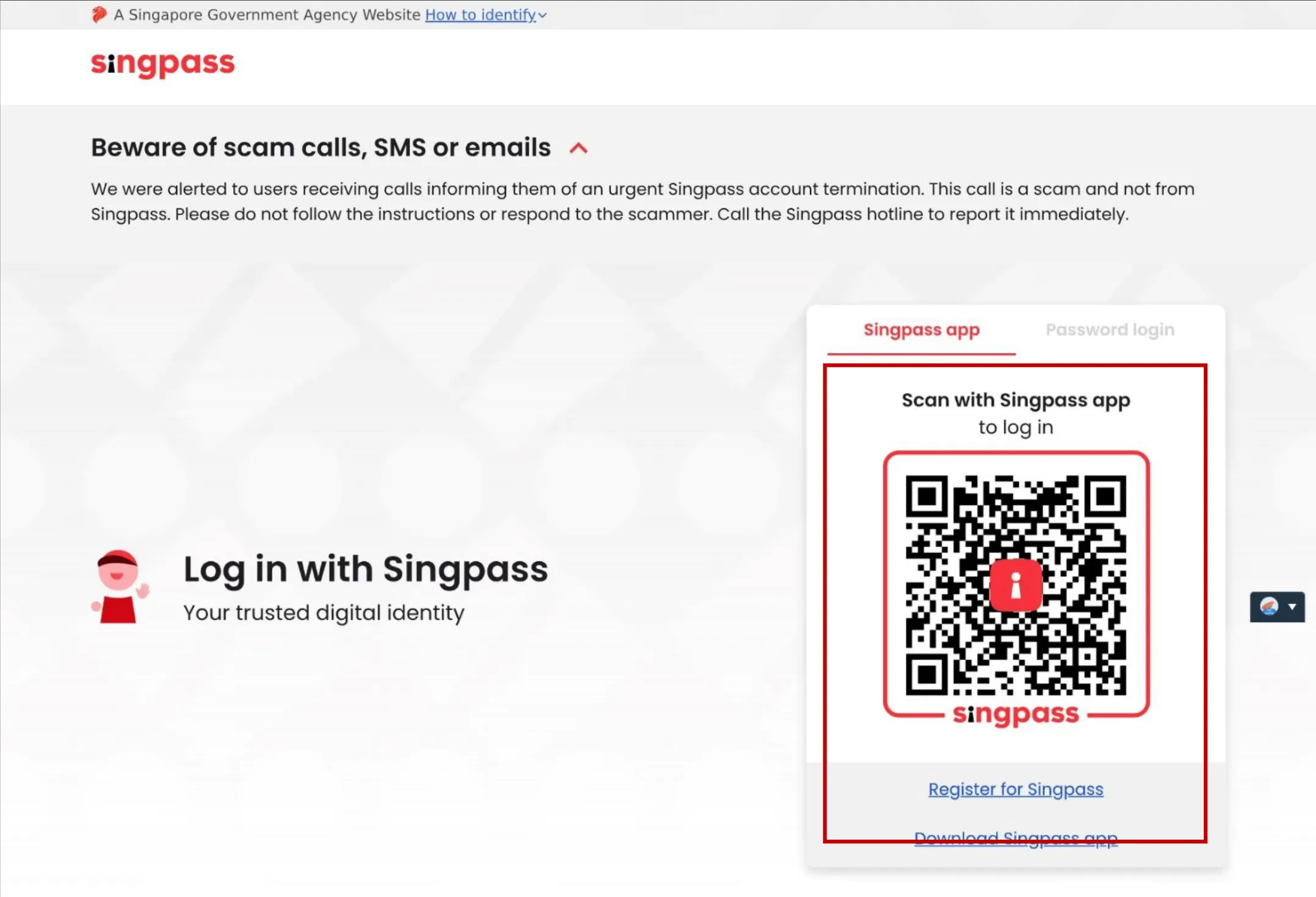
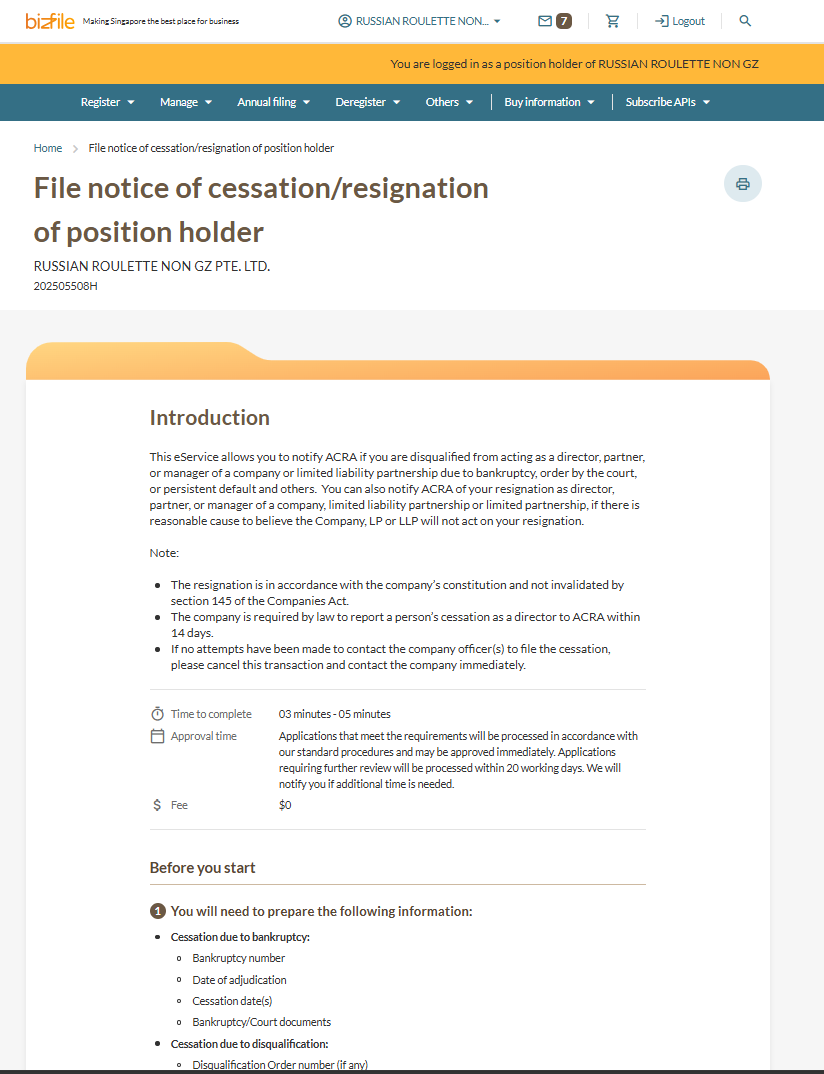
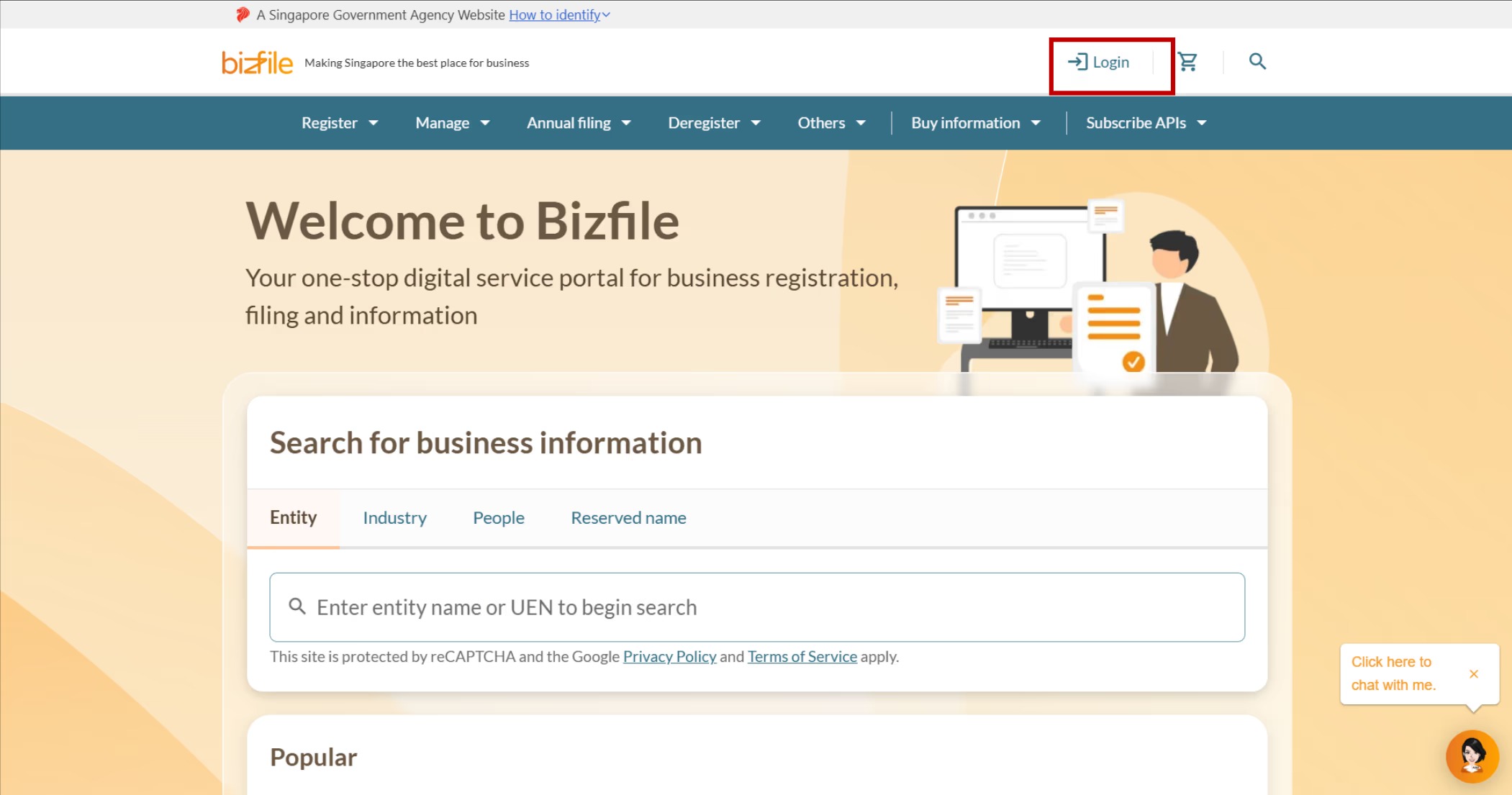
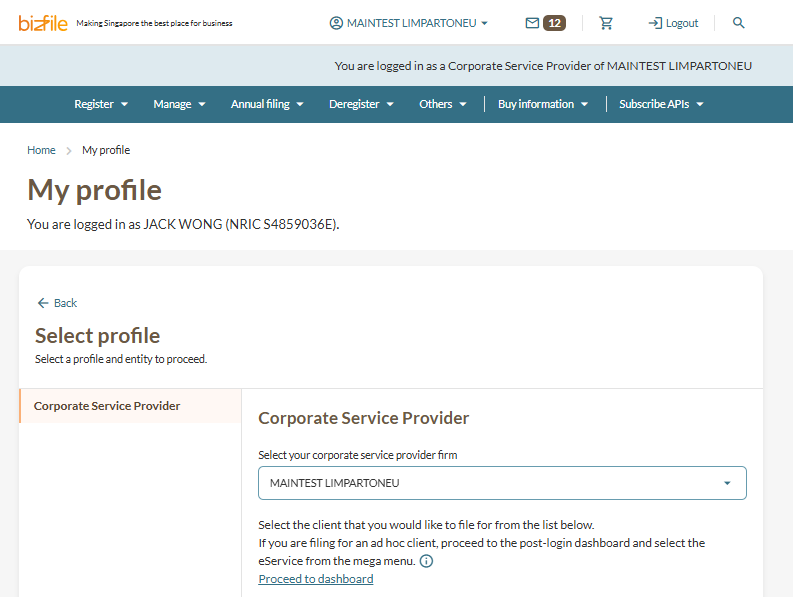
If you are filing for another position holder
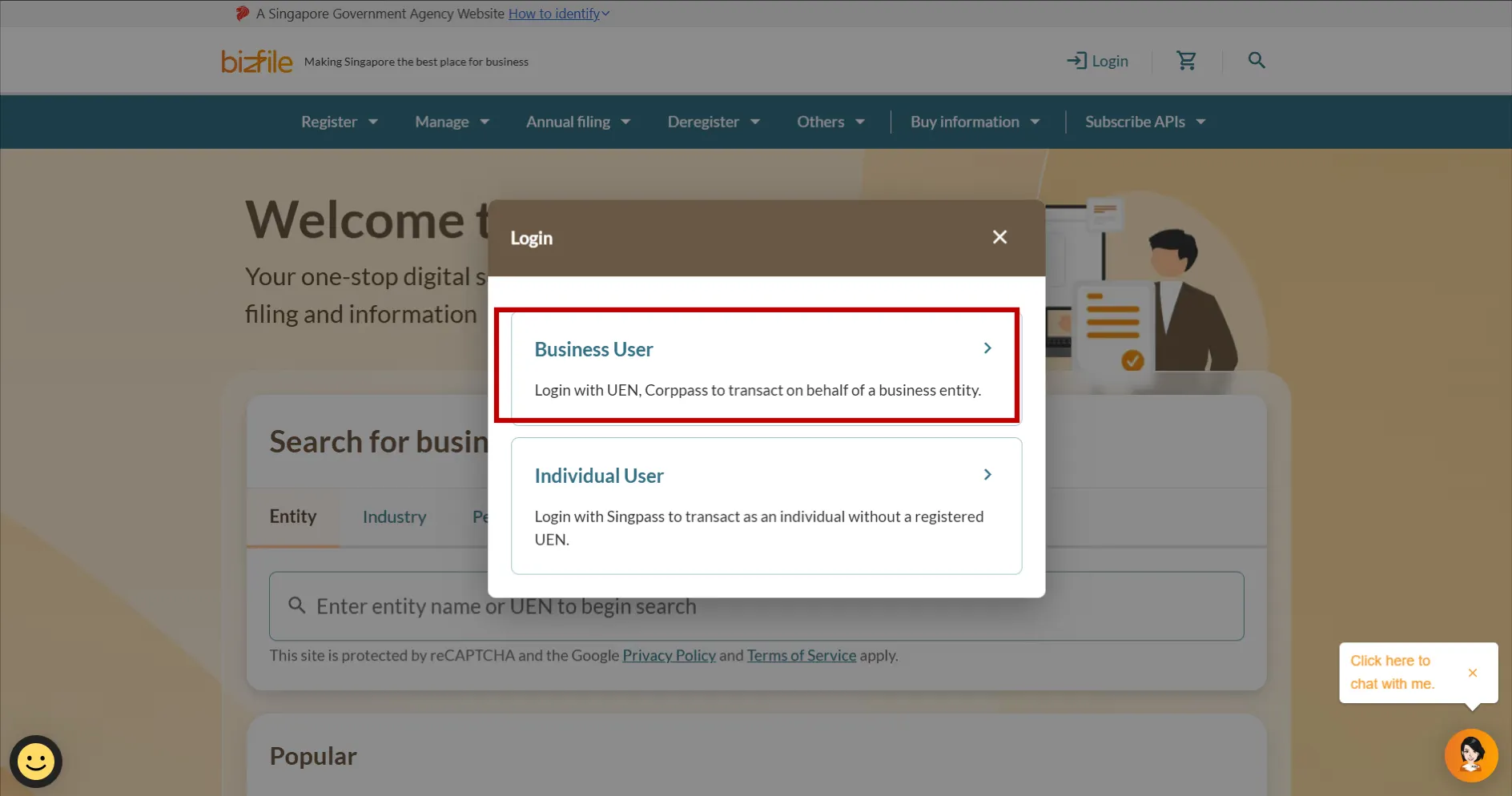
If you are filing on behalf of another position holder, follow these steps before proceeding to Step 2.
Note: The steps to select an entity may differ depending on the profile you are filing under.
Step 2: Select the position to cease
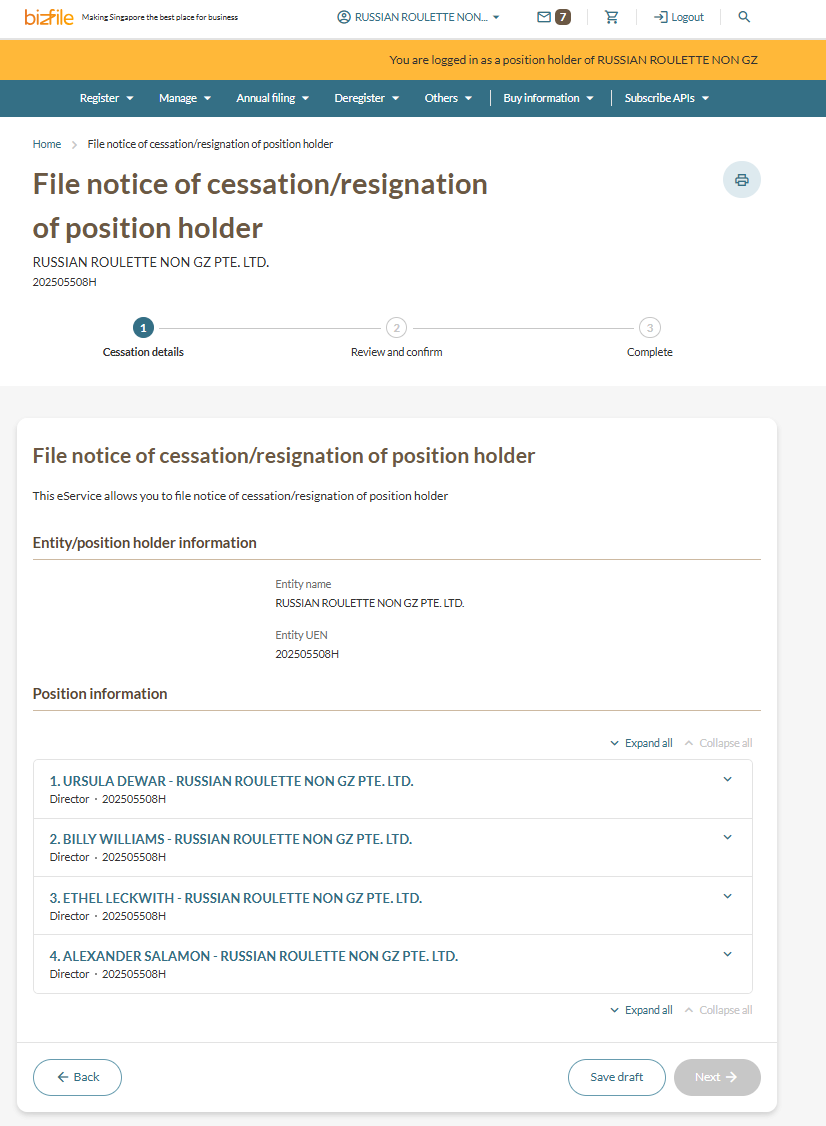
1. Check that the entity name and UEN are correct. Then, select the relevant position. If you are filing for yourself, select the position that you wish to cease. If you are filing for another position holder, select the relevant position holder and position to be ceased.
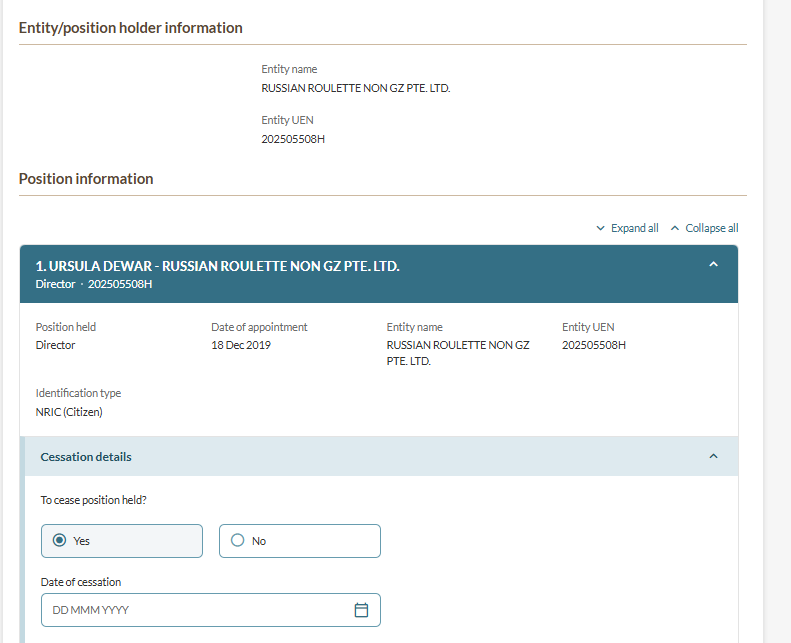
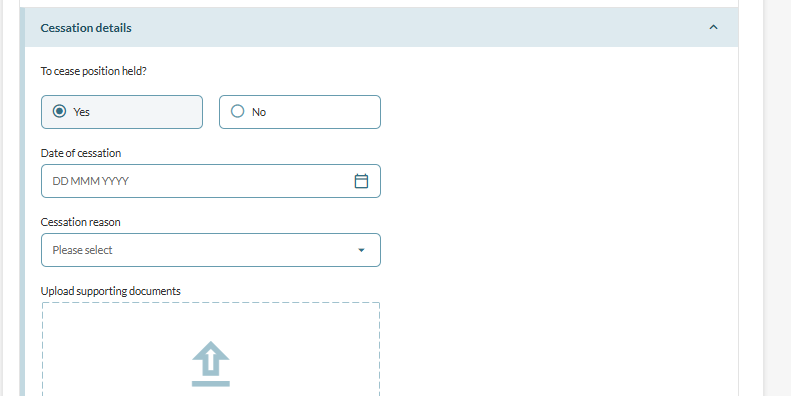
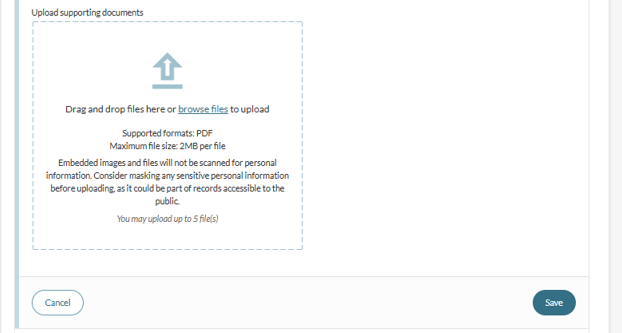
Step 3: Enter the cessation details
Note: For cessations due to resignation, you will not be able to submit a resignation if the cessation would result in the entity having fewer than the minimum number of position holders required by law. For example, the last active director of a local company cannot resign through this transaction.
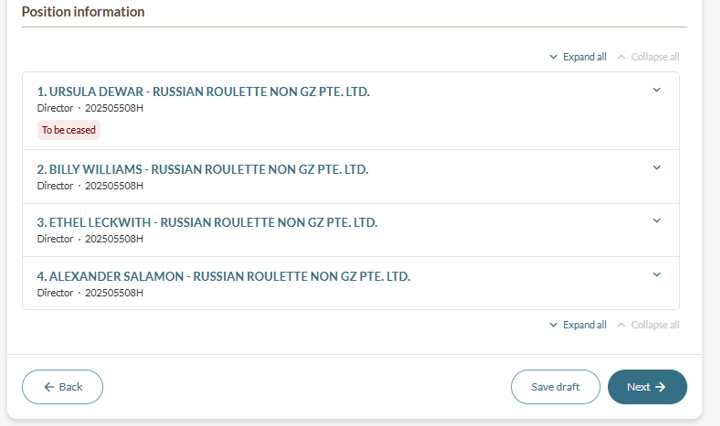
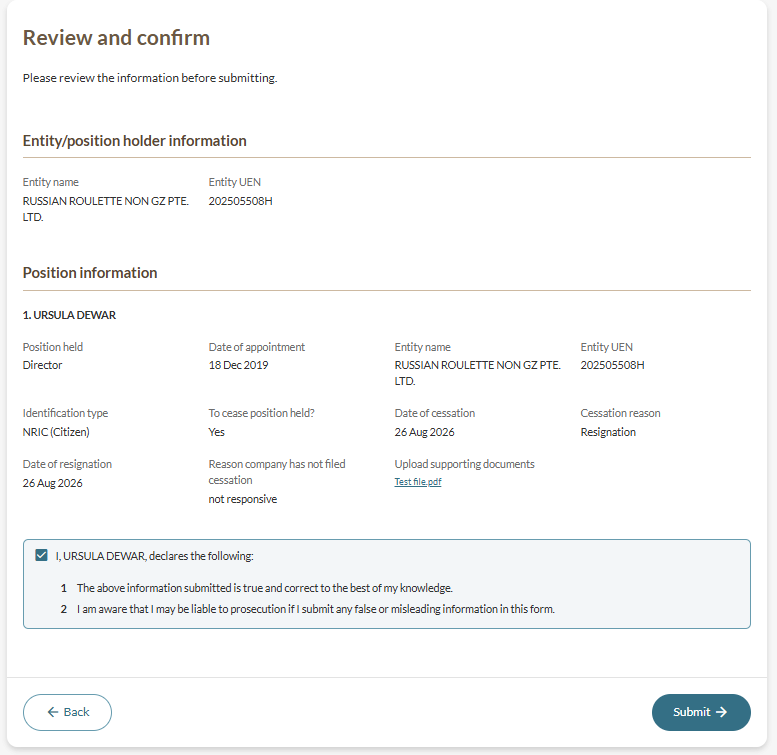
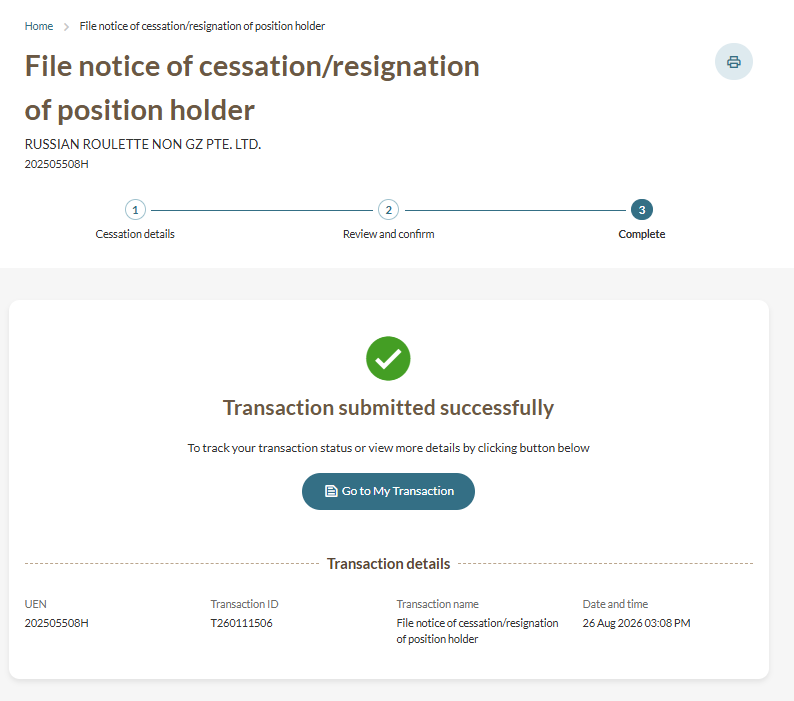
Step 4: Review and submit