Guide
Filing share capital reduction under S78E (members' approval)
Audience
Accounting entities
Businesses
Corporate service providers (CSP)
Task or topic
Shares and share information
4 December 2025
Check the requirements and process to file a reduction of share capital by special resolution under section 78E.
Before you file
What you need to know
Key facts | Details |
|---|---|
Who may file | Companies that:
You may either:
|
When you can file | Between six and eight weeks from the date of the special resolution |
What you need to prepare |
|
Fees | Free |
Processing time | Immediate |
Note: The capital reduction takes effect immediately after you submit this filing.
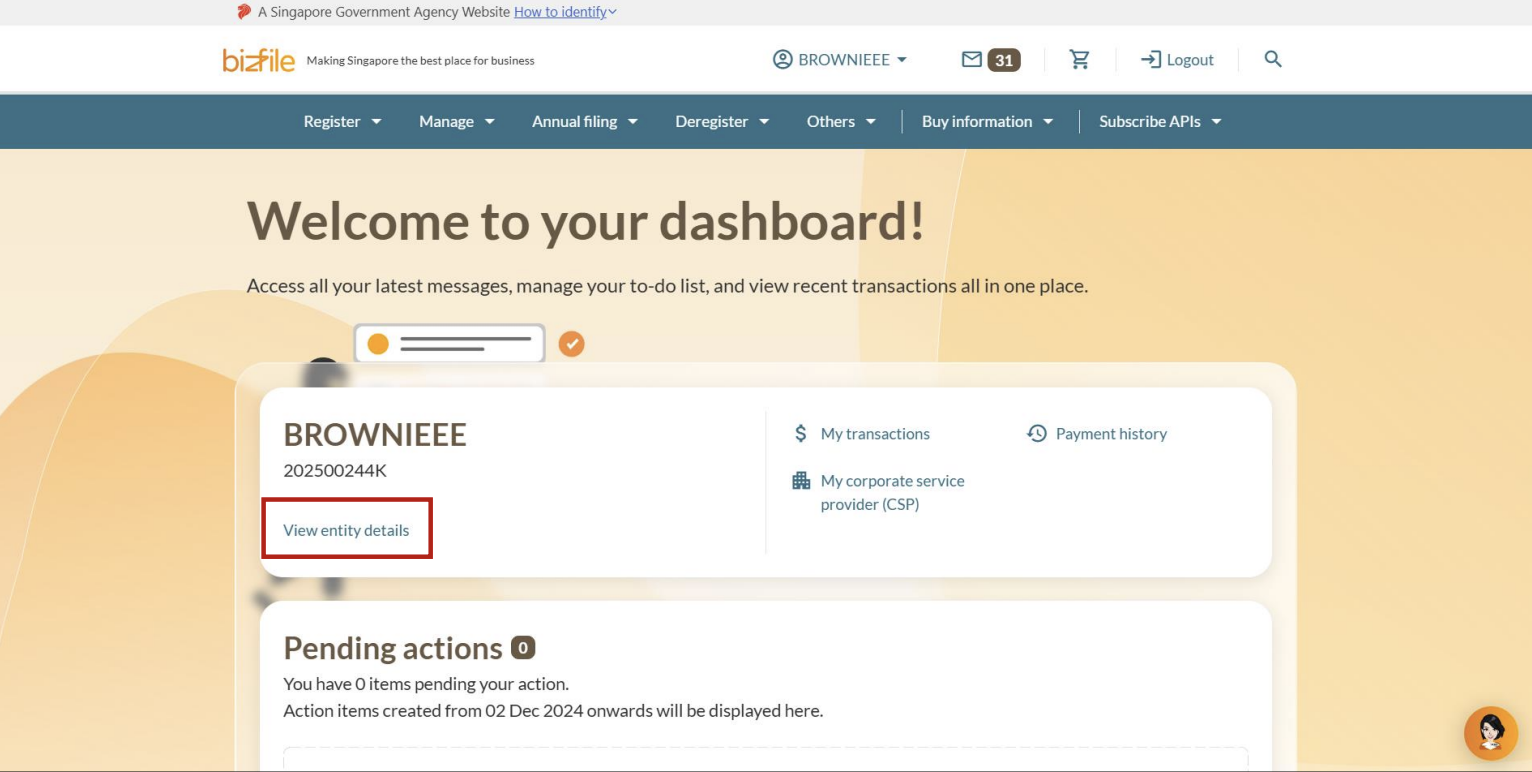
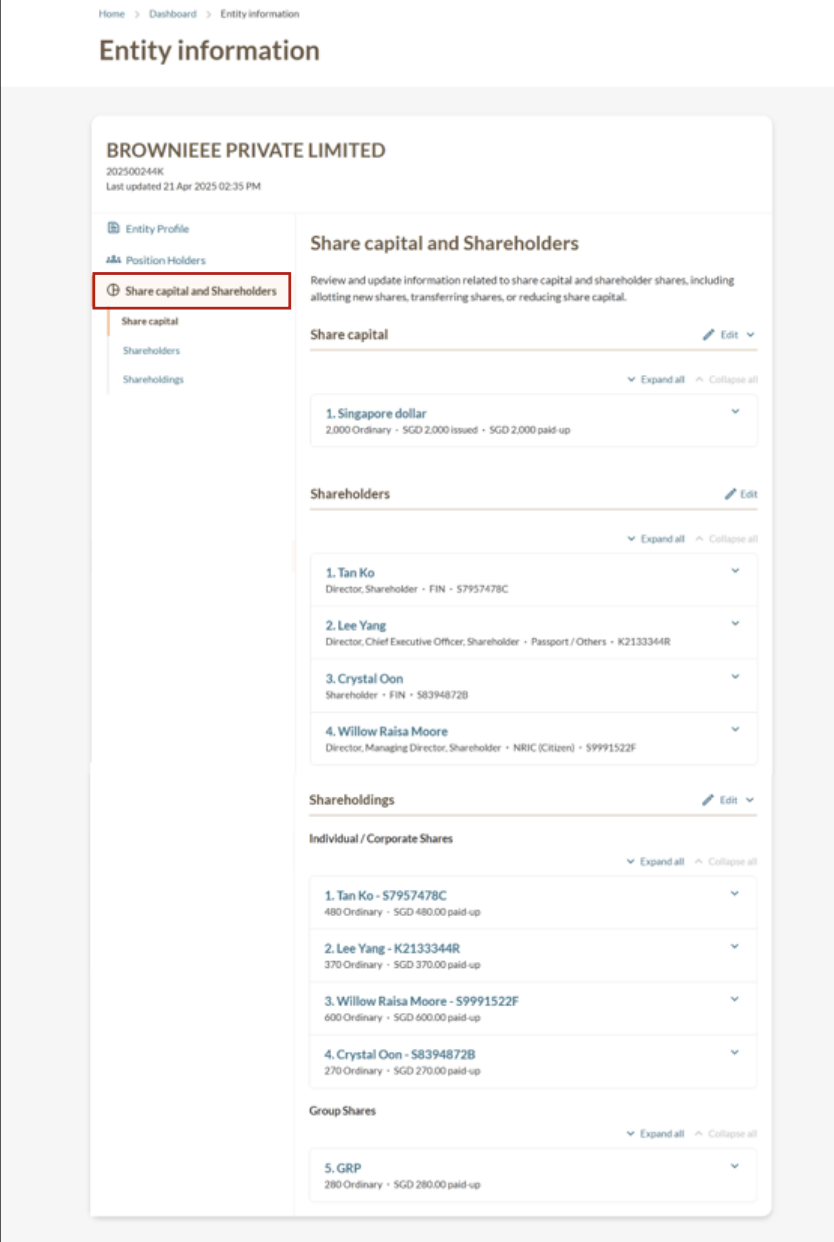
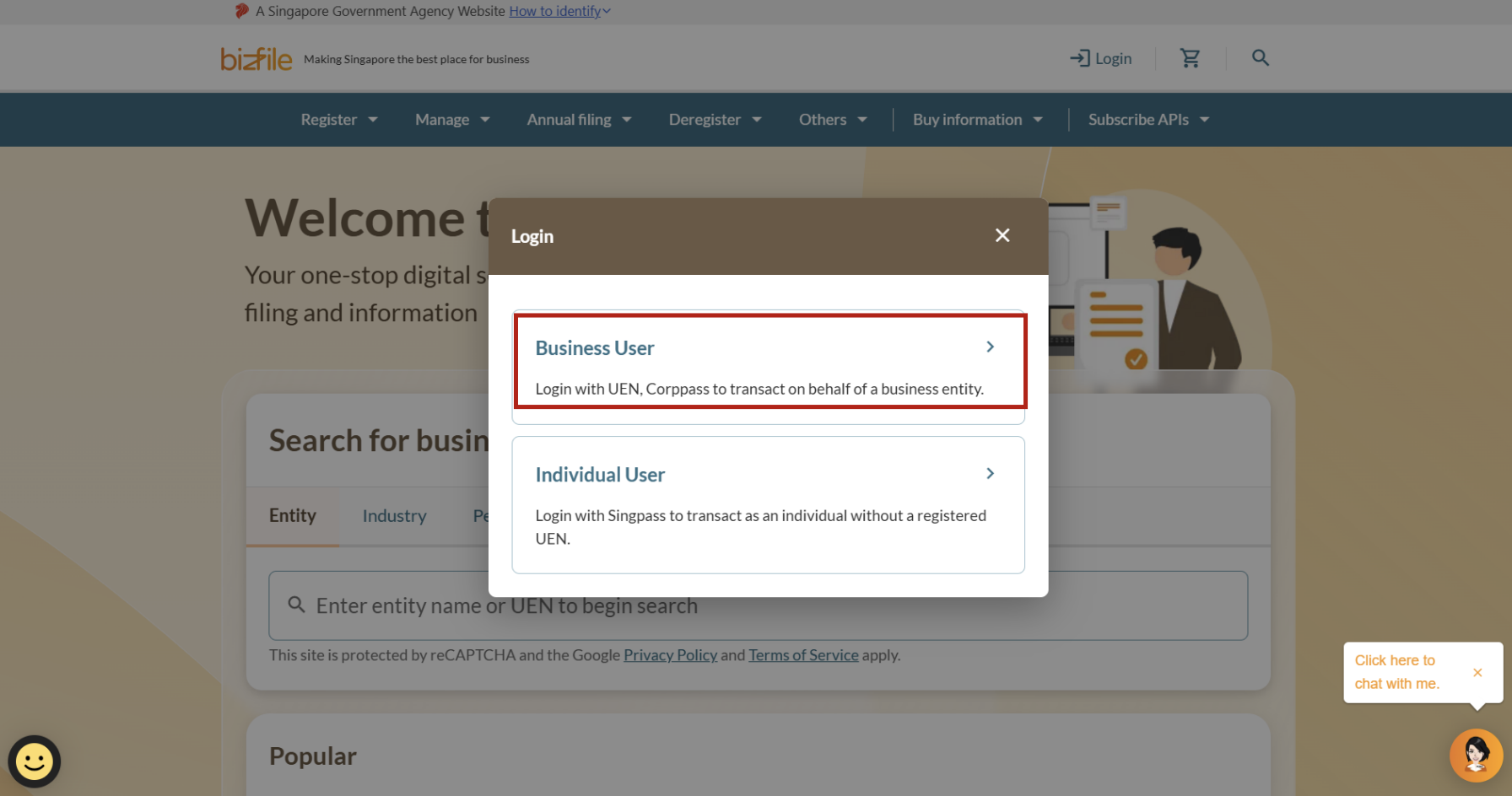
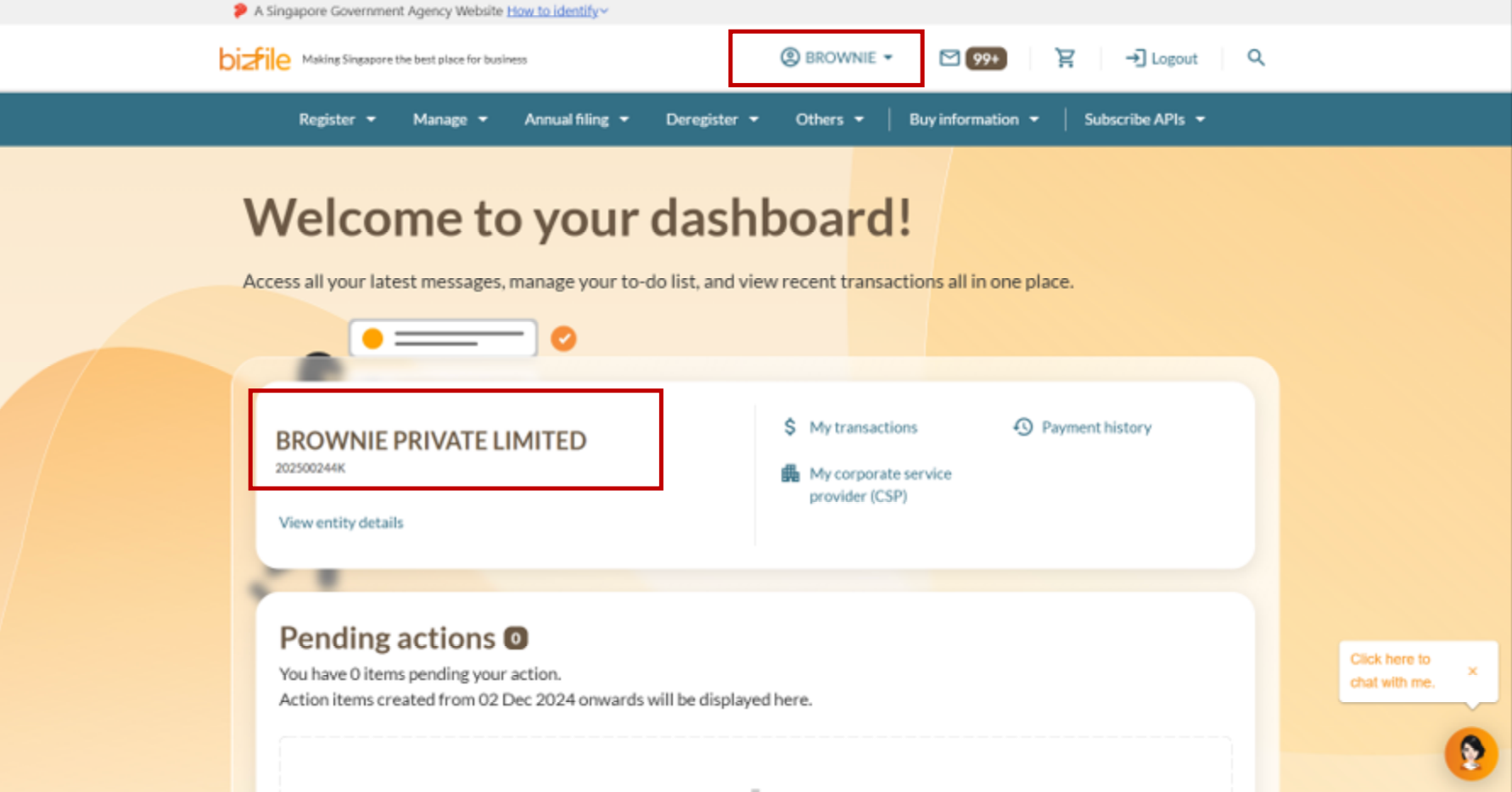
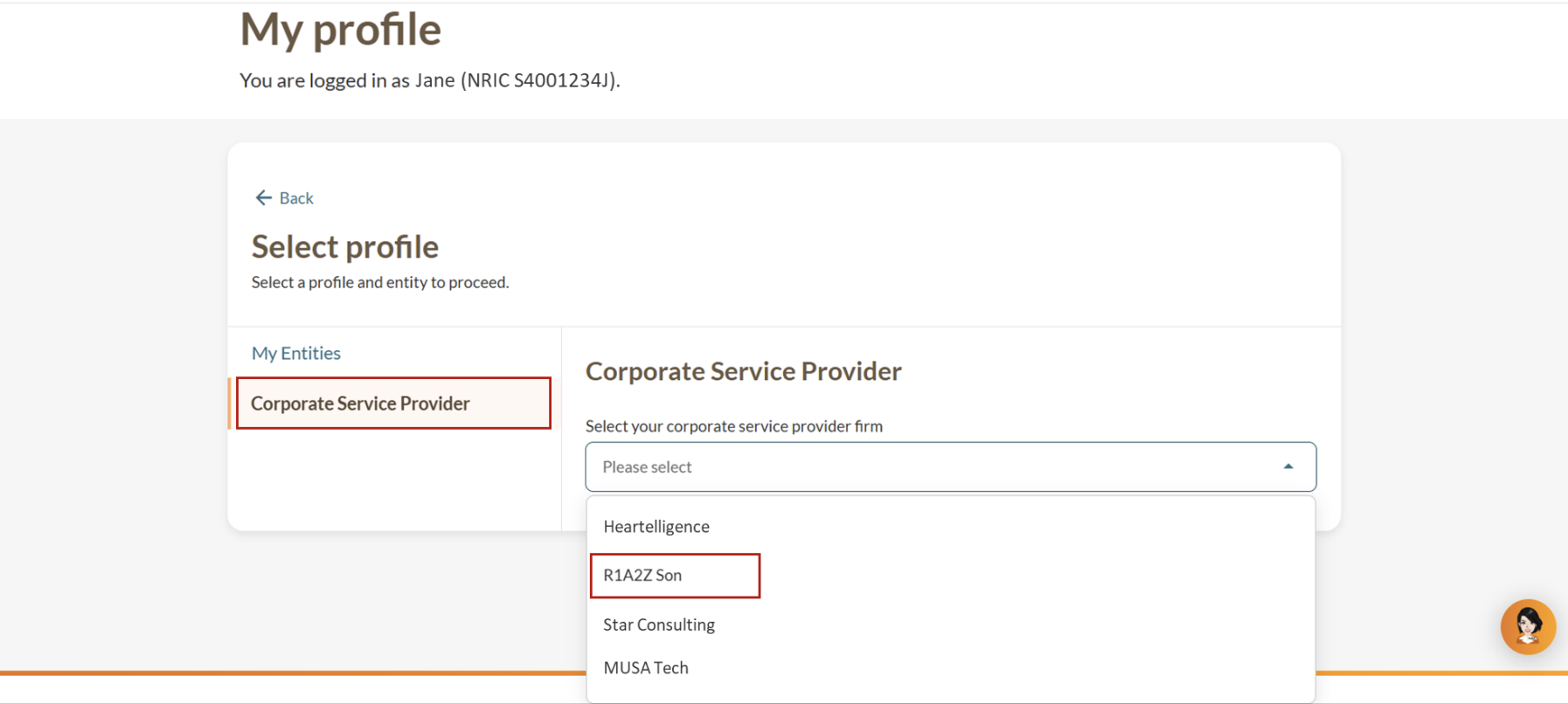
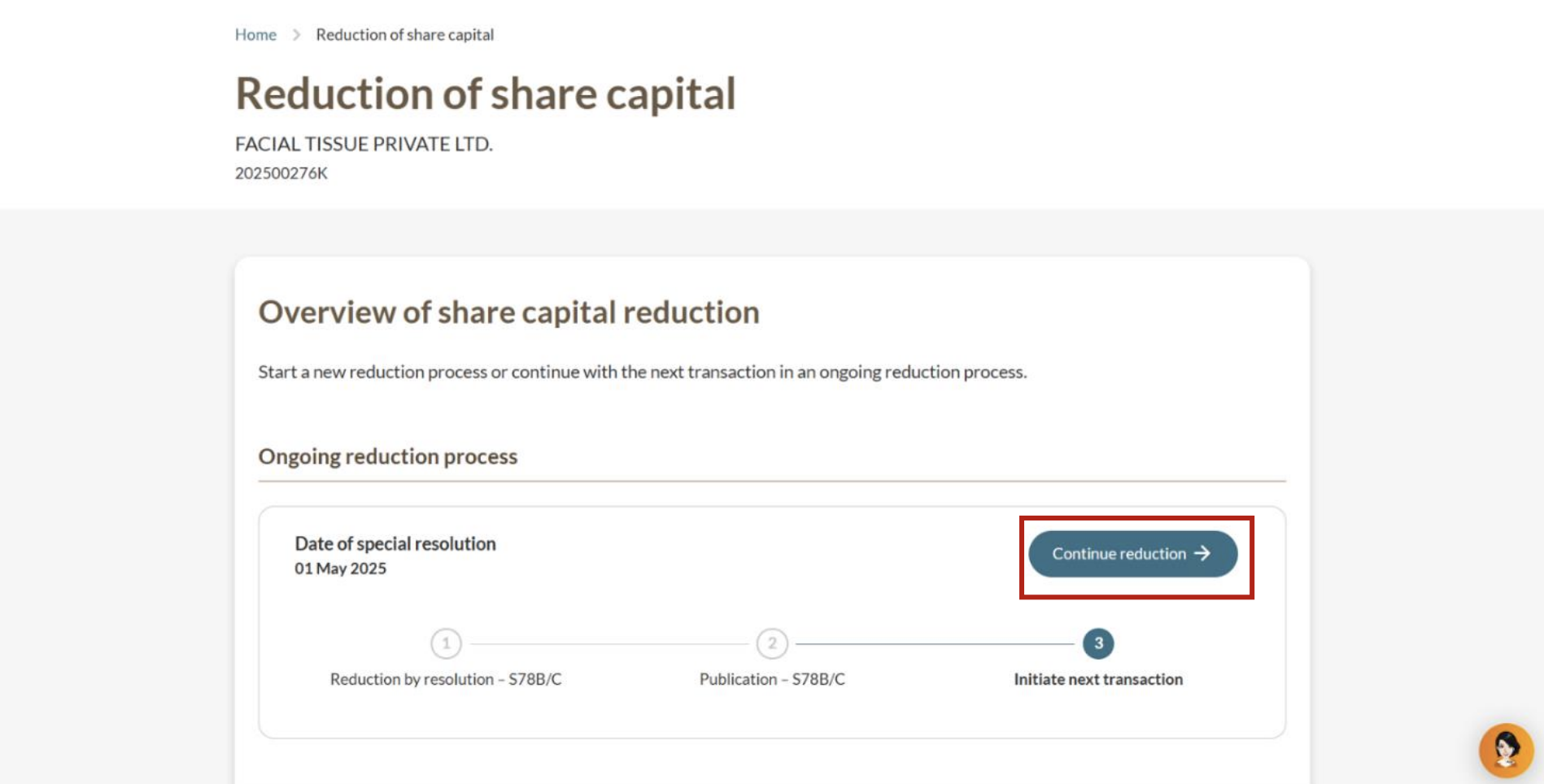
Step 1: Log in to Bizfile and open the “Update reduction of share capital” eService
Follow these steps to navigate to the Update reduction of share capital (opens in new tab) eService.
Note: All entity and personal information (including UEN, entity details, NRIC or FIN numbers, names and addresses) shown are dummy data for illustration purposes only.
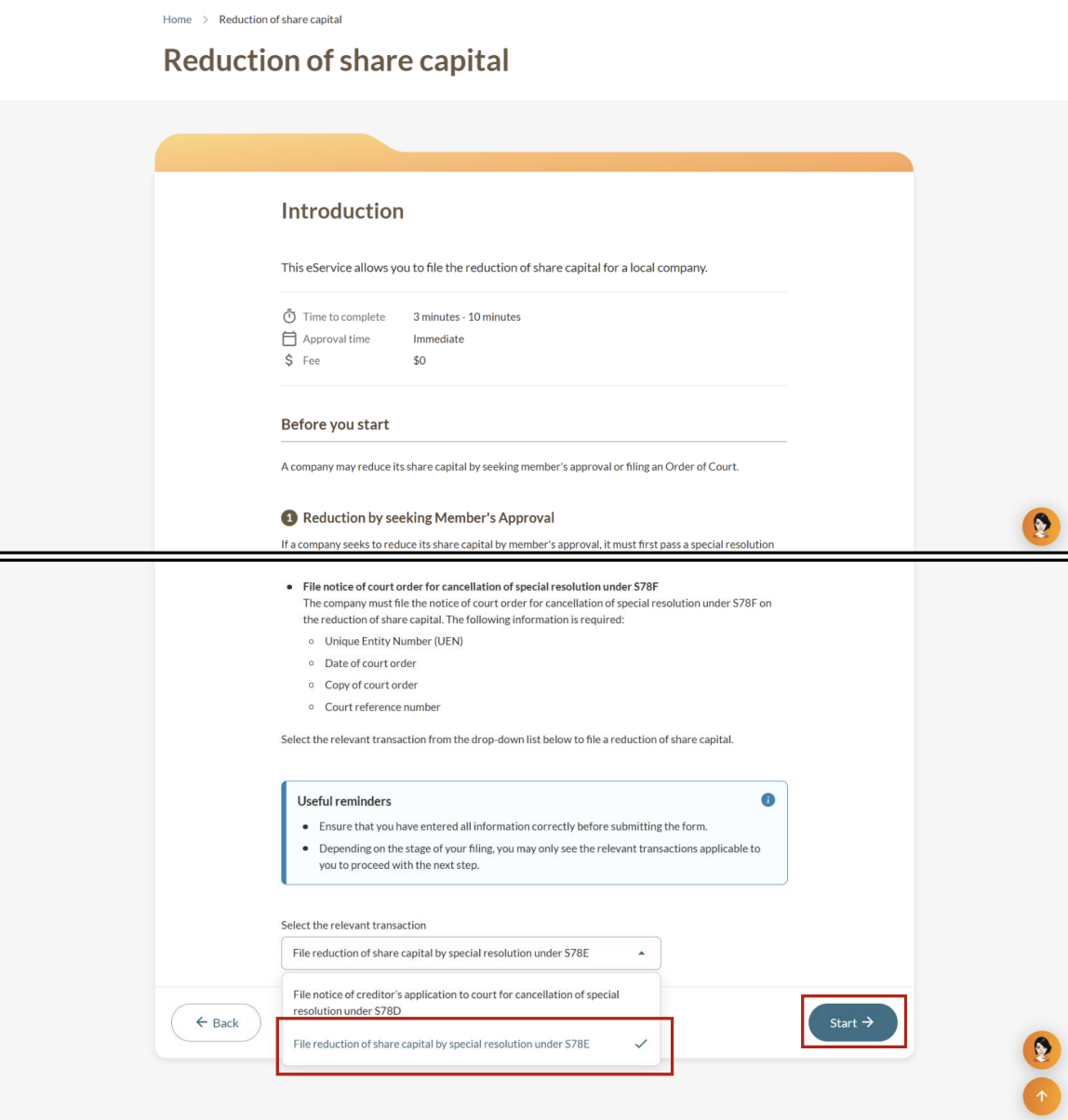
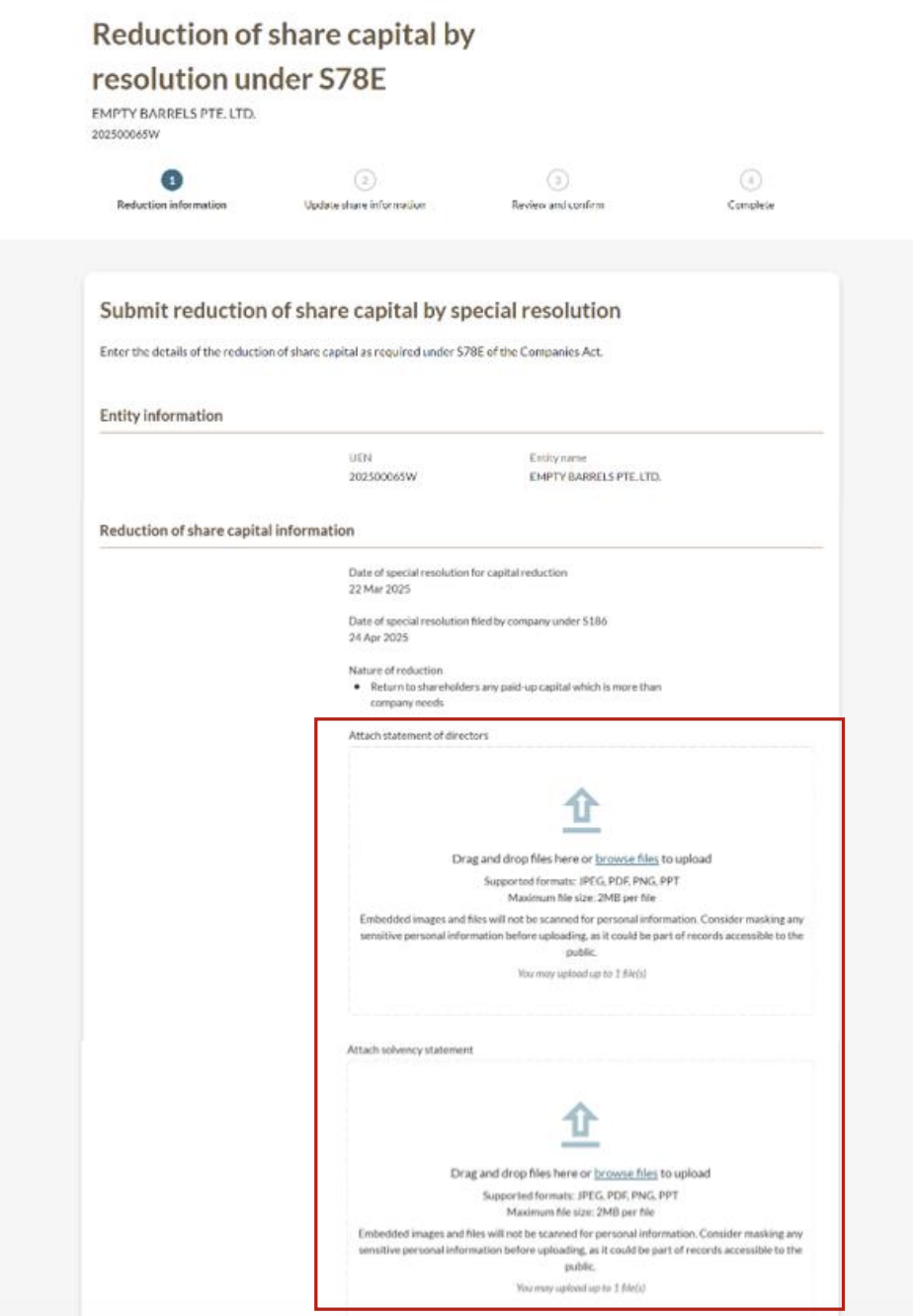
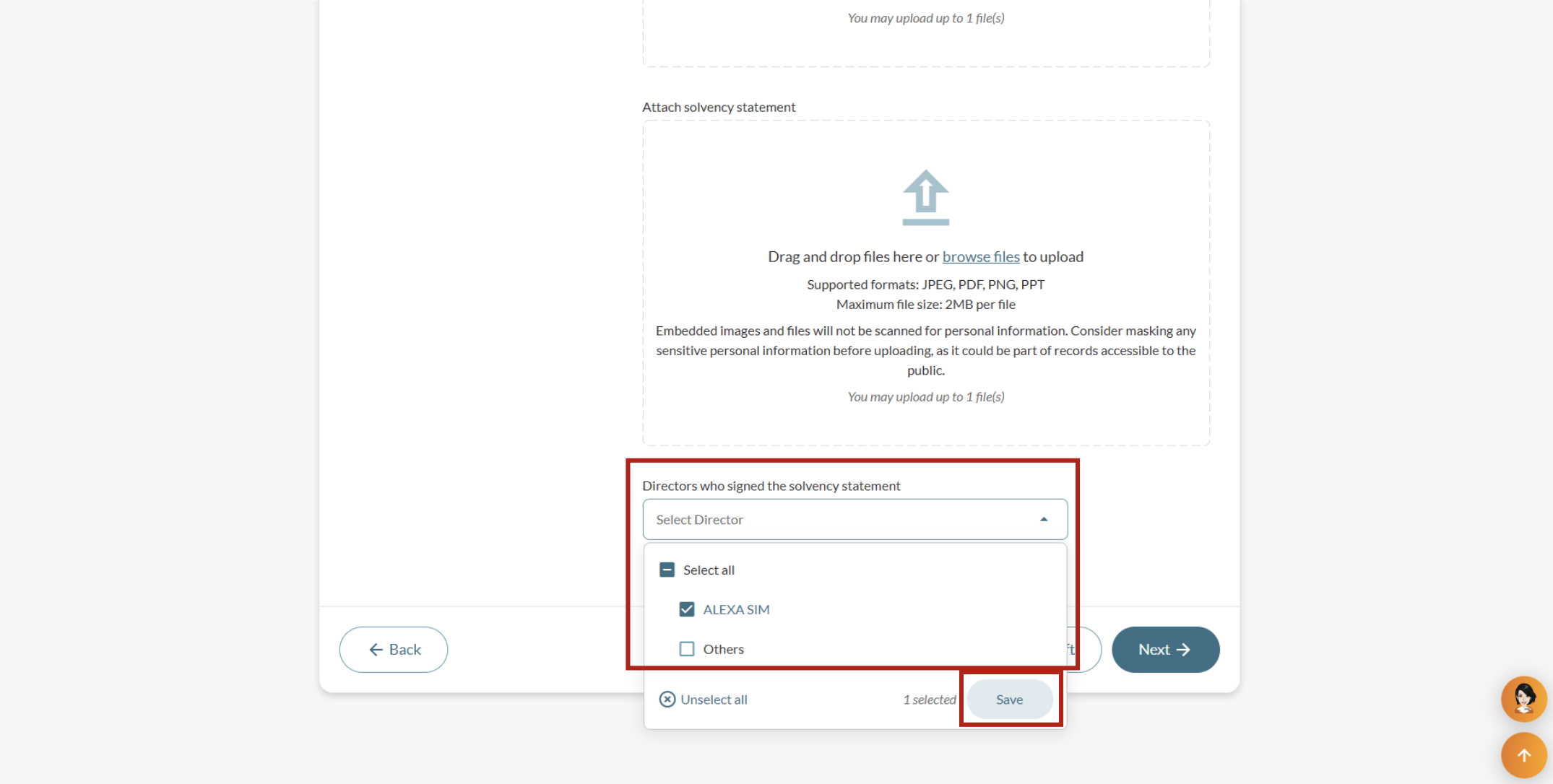
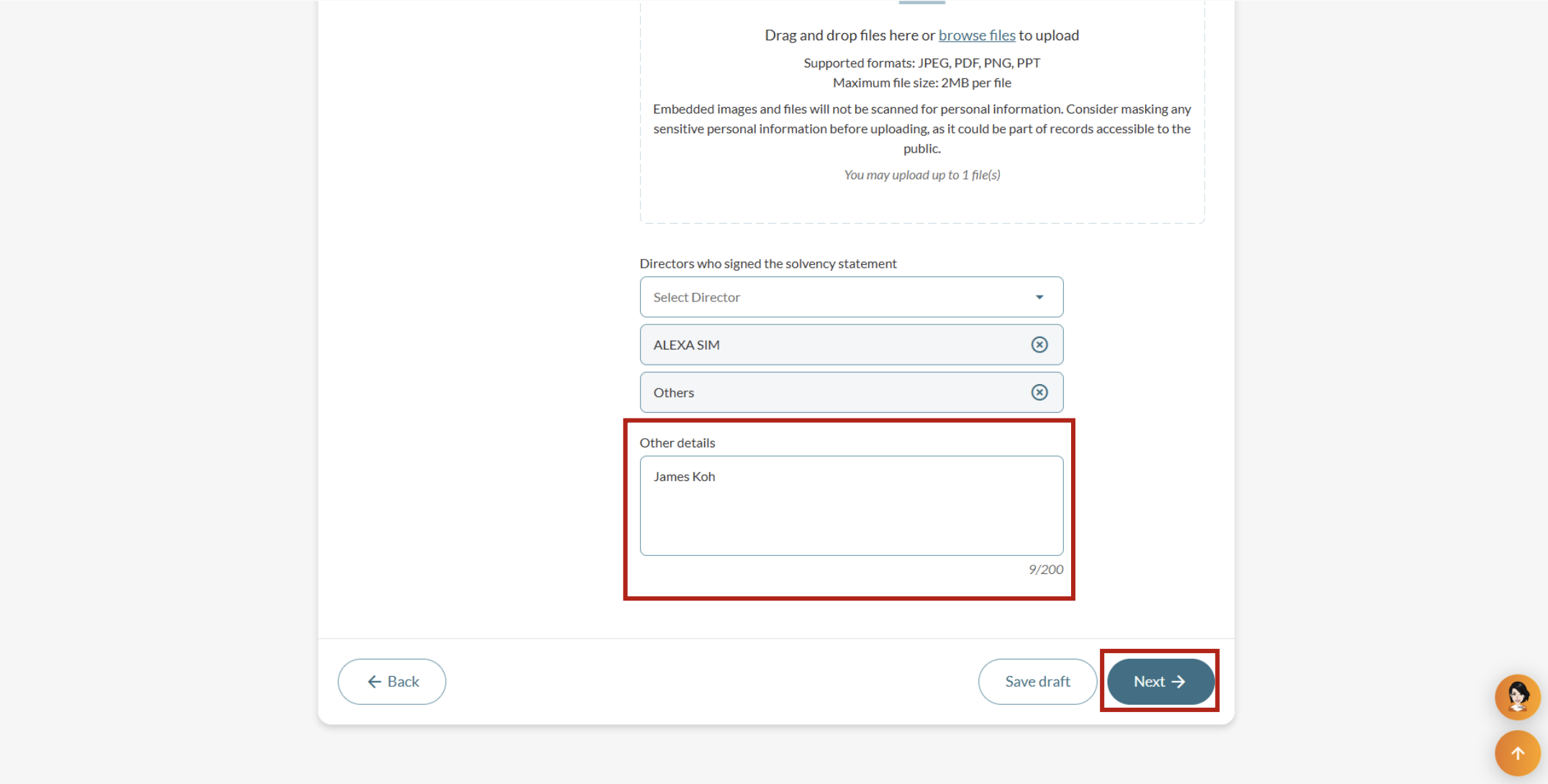
Step 2: Enter reduction information
Upload the required documents and state the directors who signed the solvency statement.
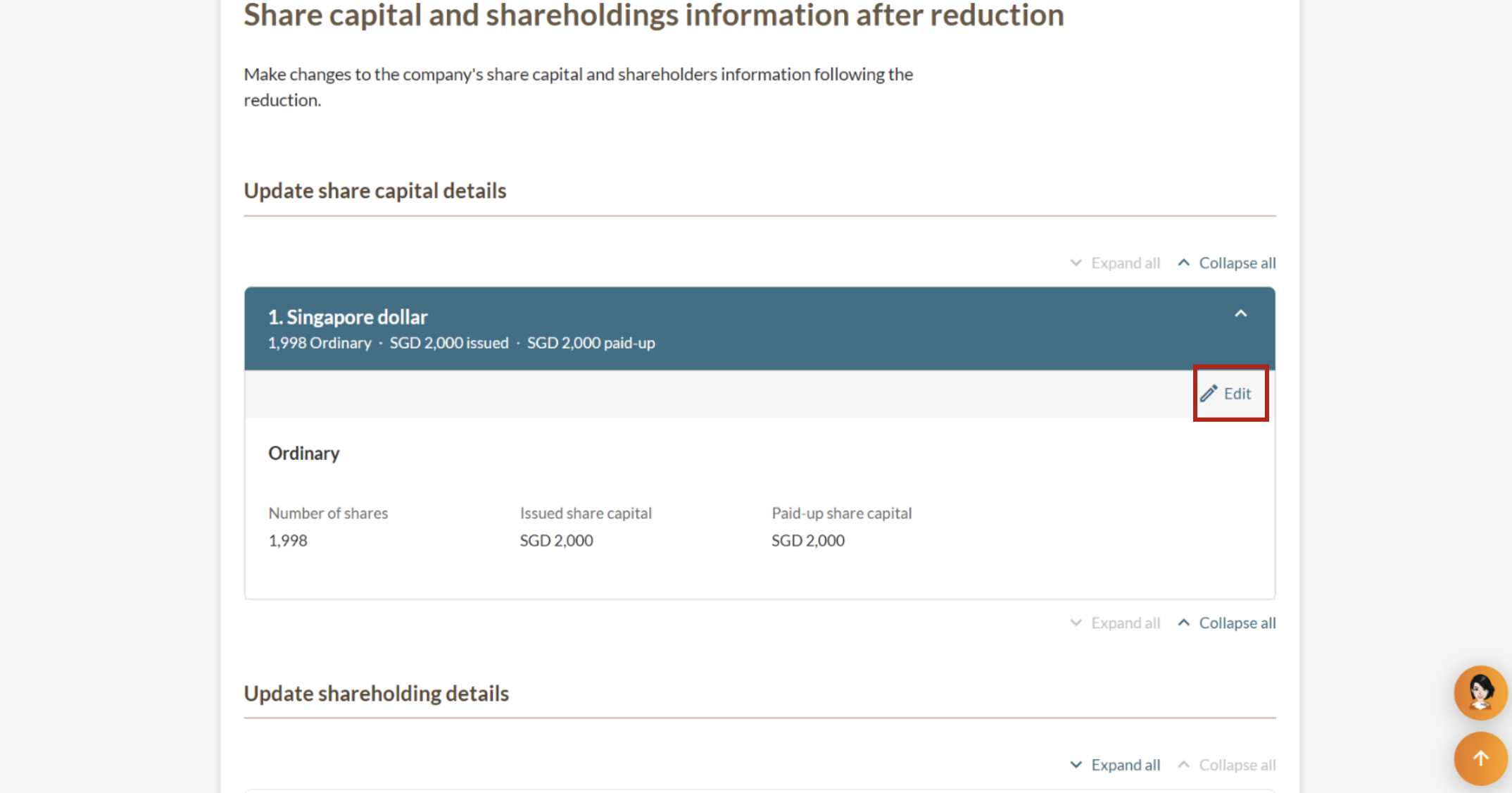
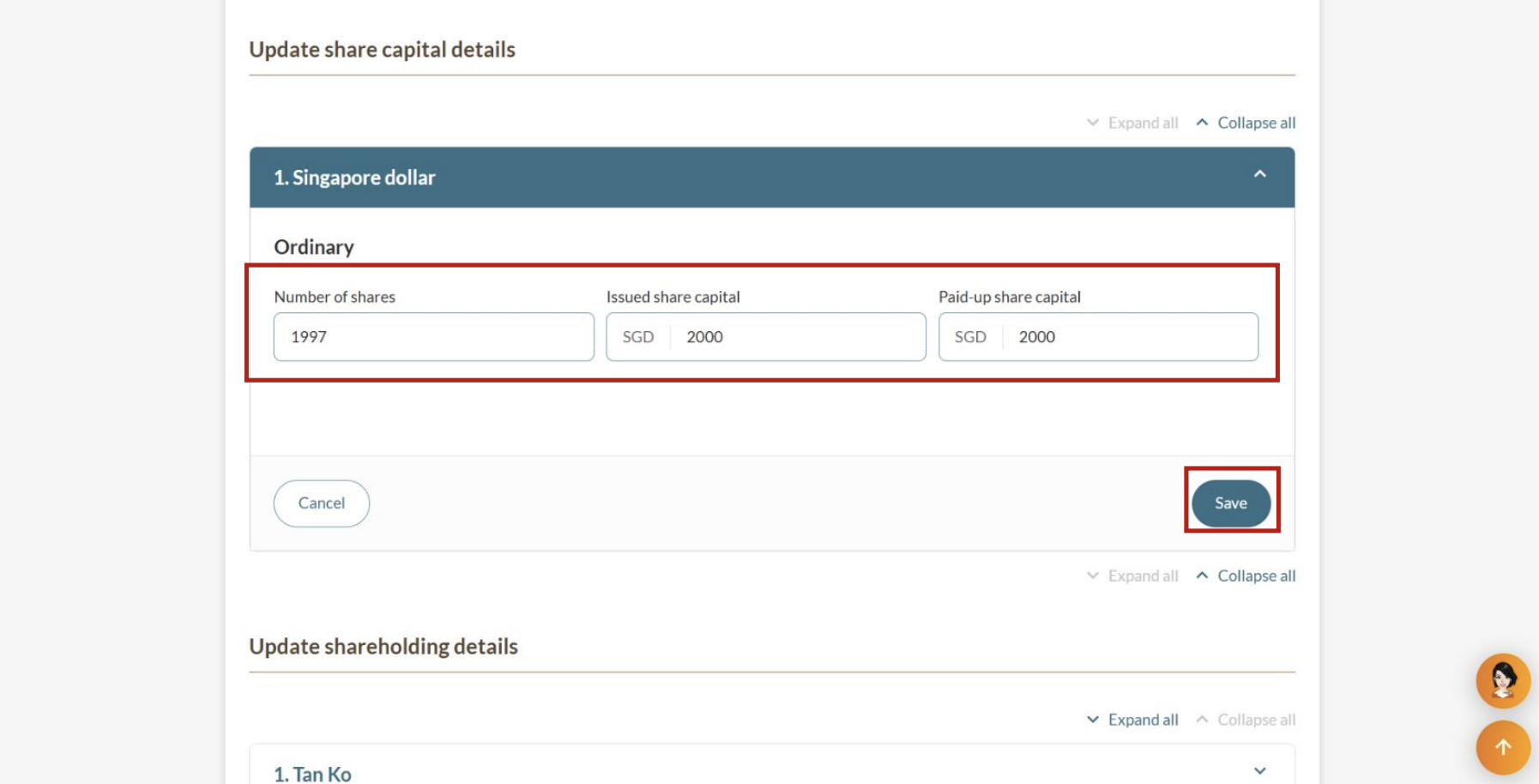
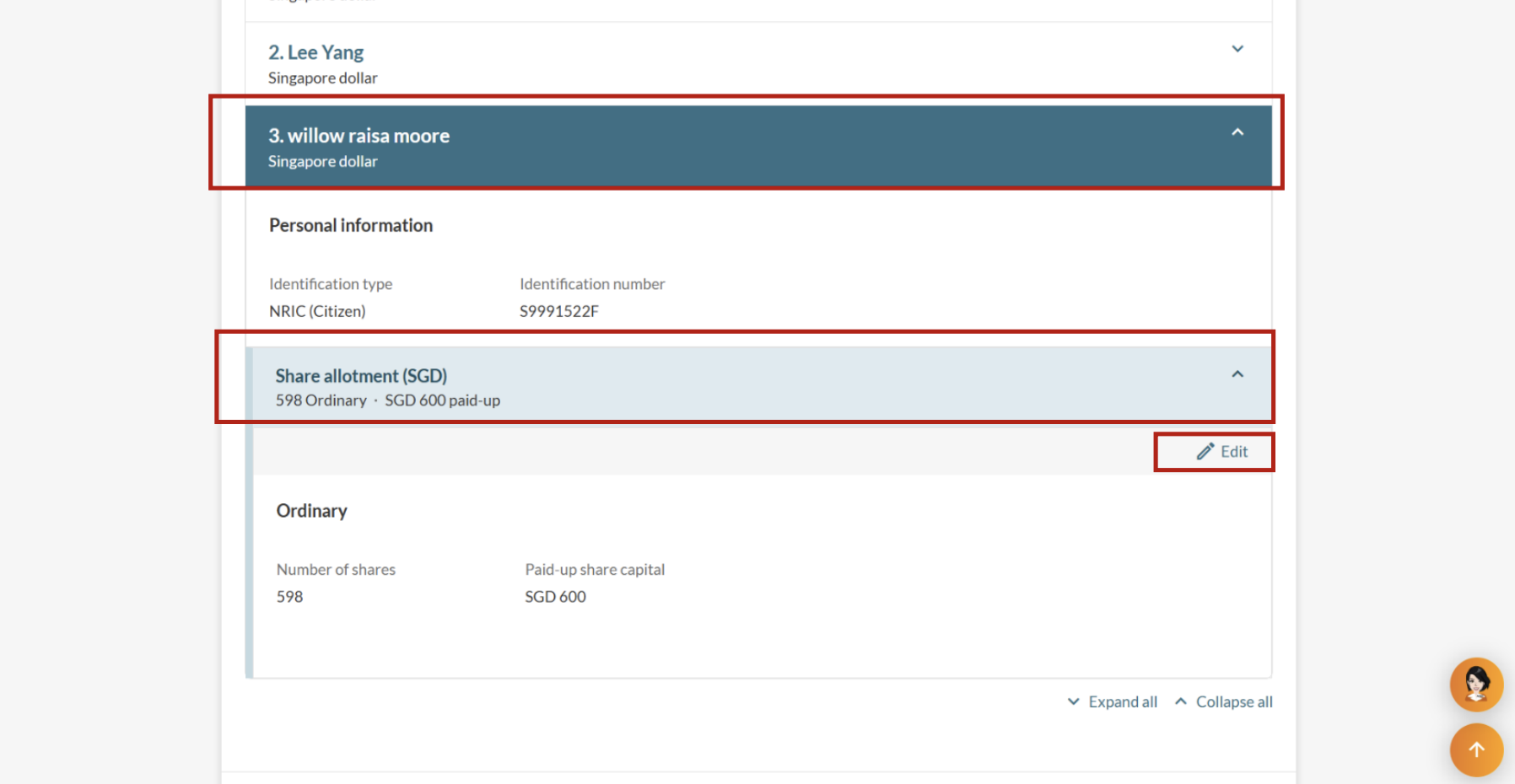
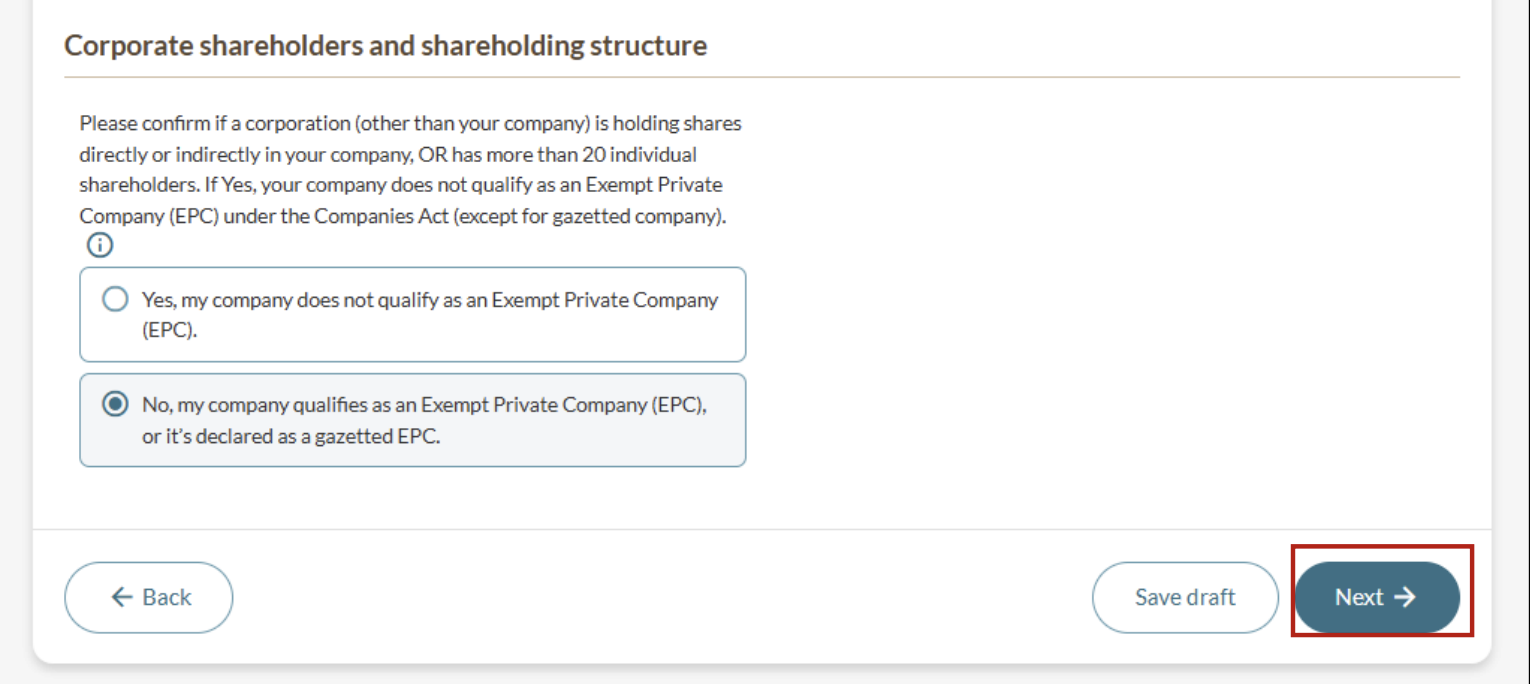
Step 3: Update share information
Enter the share capital and shareholding details after the reduction.
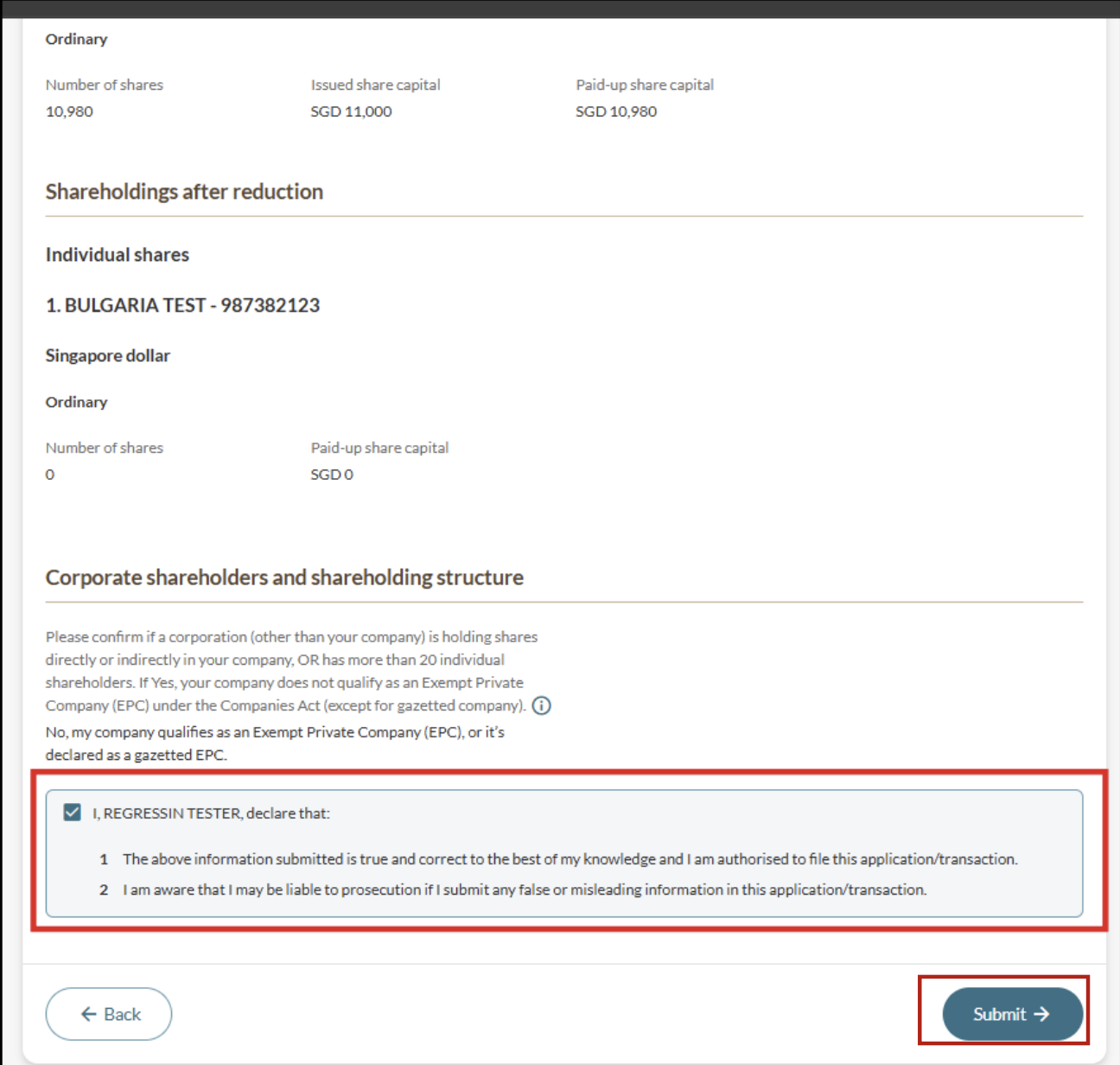
Step 4: Review and submit
Ensure that the shareholdings before and after the reduction are accurate.
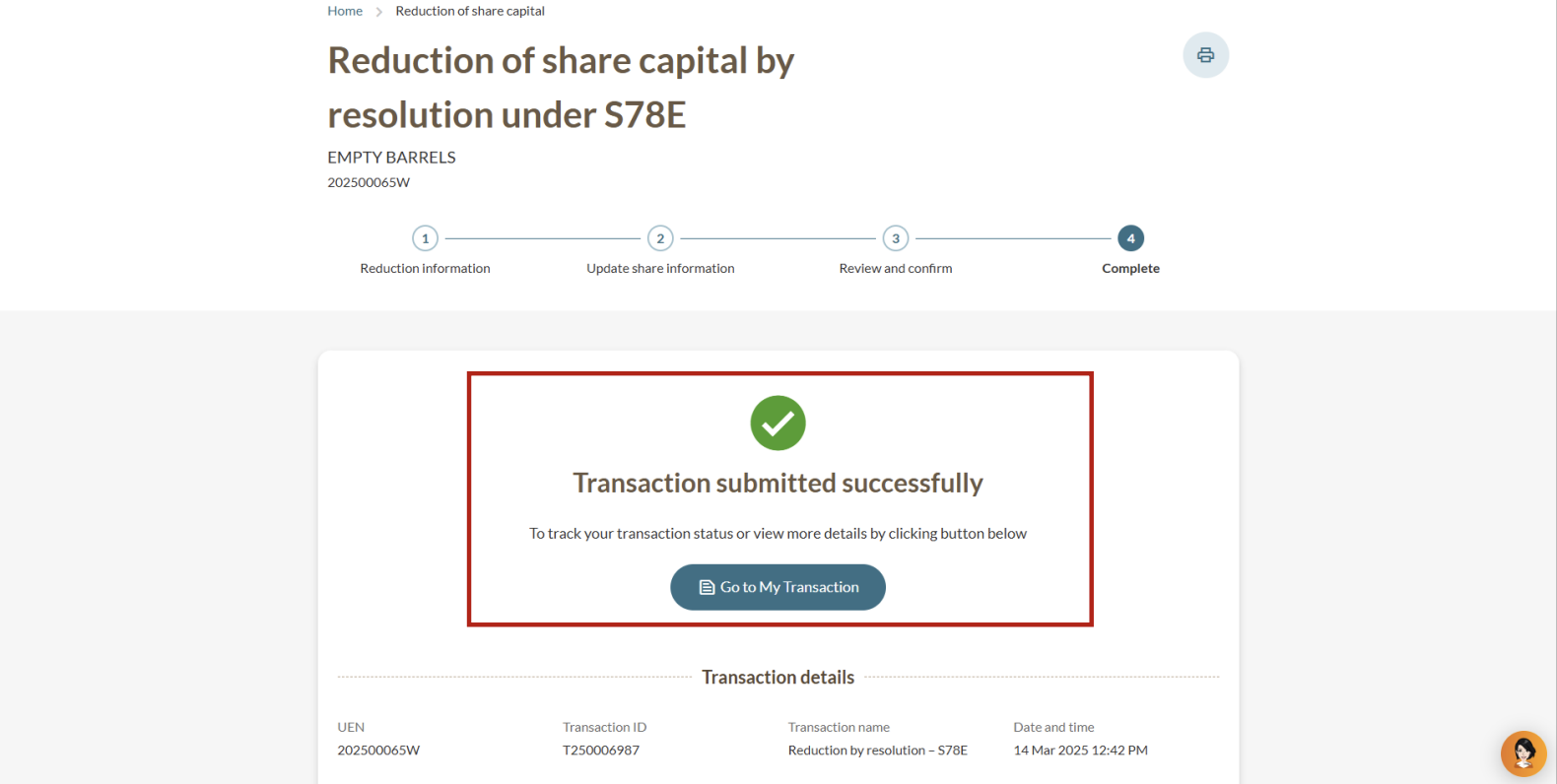
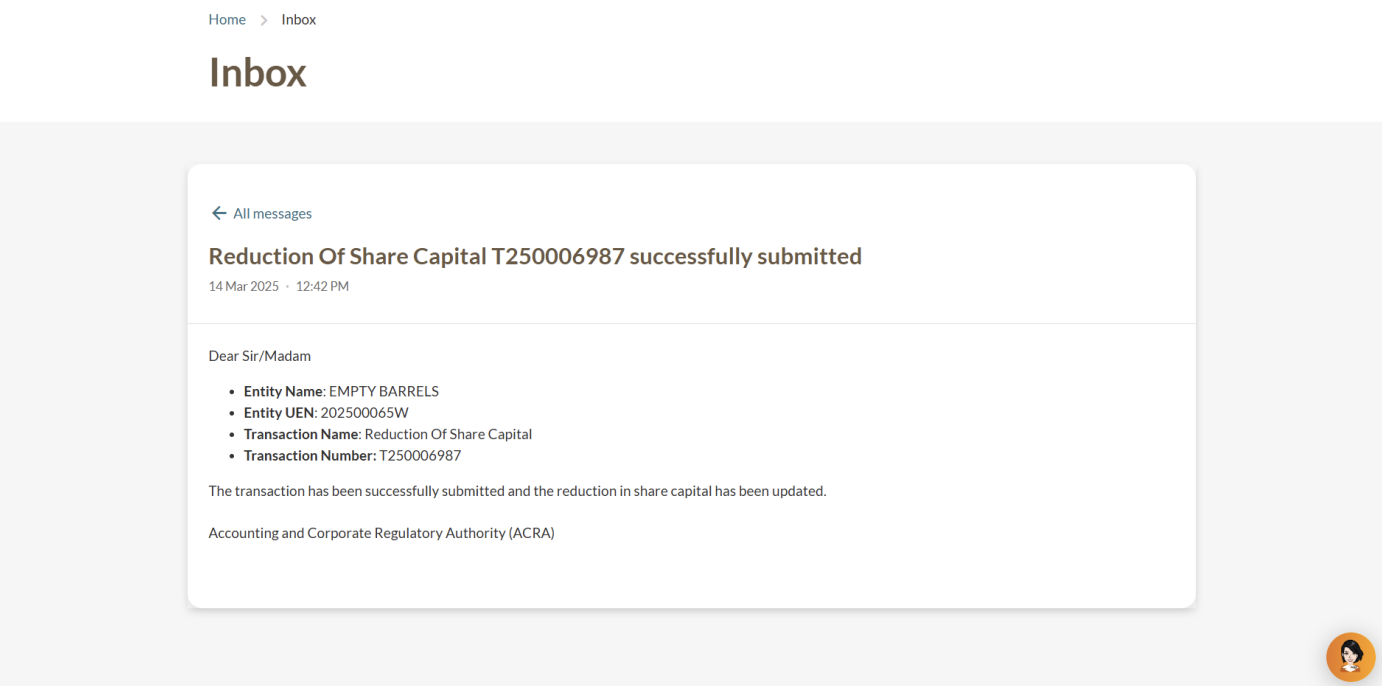
After you file
You can check the reduction in share capital immediately: