
Guide
Applying to restore a business entity
28 April 2026
Audience
Businesses
Corporate service providers (CSP)
You can apply to restore your business entity that has been cancelled, ceased, struck off or dissolved. Upon approval, its status will revert to “live”.
Before you apply:
This guide explains how to apply for restoration of business entities that have been cancelled, ceased, struck off or dissolved. Upon approval, your business entity's status will revert to “live”.
What you need to know
Applying to restore a business entity
For | What you need to know |
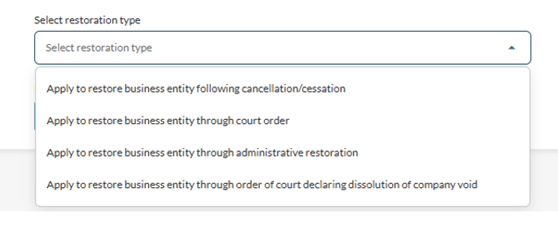
Apply to restore business entity following cancellation | This application is for sole proprietorship or partnership (Business) that had been cancelled or ceased. Ensure that the CPF Medisave contributions of all business owners or partners are up-to-date with the CPF Board. For individuals filing, the applicant needs to previously have been an active position holder in the cancelled/ceased Business. |
Apply to restore business entity through court order | This application is for restoration of struck-off entities through court order administered under the following provisions:
It will take up to 15 working days to process the application. |
Apply to restore business entity through administrative restoration | This application is for entities that have been struck off by ACRA-initiated striking off to be restored through administrative restoration administered under the following provisions:
Applicants must be former position holders of the respective struck-off entities:
If you are filing on behalf of another party based on authorisation, you must upload the necessary letter of undertaking documents. If any of the struck off entity’s property is vested with the Official Receiver, the Official Receiver’s written consent is required as one of the supporting documents. It will take up to 60 days to process the application depending on the complexity and documentation requirements. |
Apply to restore business entity through order of court declaring dissolution of company void | This application is for restoration under IRDA S208(2) for Company that had been dissolved (Order of Court Declaring Dissolution Void). |
What you need to prepare
Required documents and information
For | What you need to prepare |
Apply to restore business entity following cancellation |
|
Apply to restore business entity through court order |
|
Apply to restore business entity through administrative restoration |
|
Apply to restore business entity through order of court declaring dissolution of company void |
|
Fees and processing time
Restore a business entity
What you need to know | Details |
Fee | $0 |
Processing time | Up to 60 days (depending on type of restoration) |
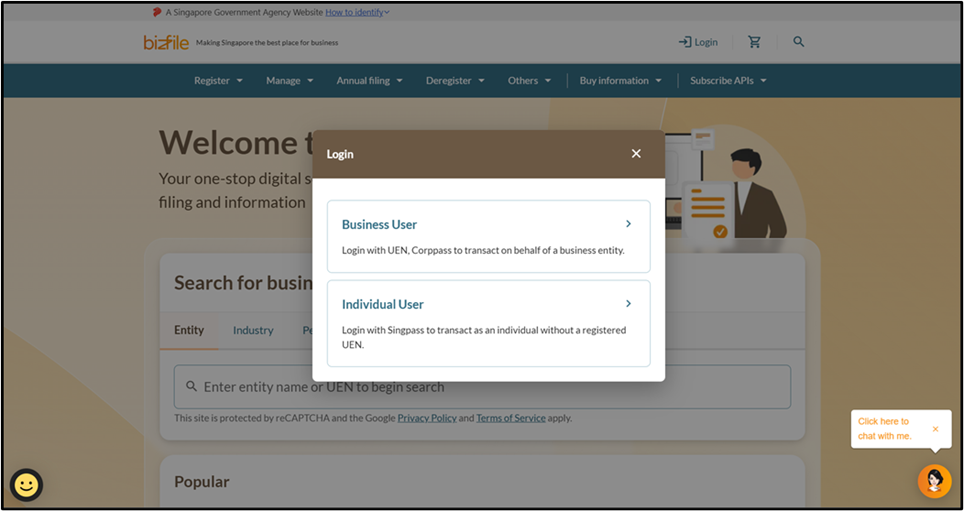
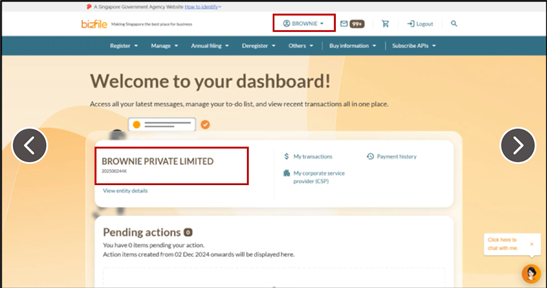
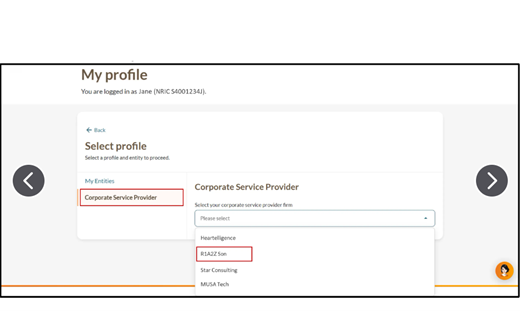
Step 1: Log in to Bizfile and open the “Apply to restore business entity eService”
Follow these steps to log in and open the Apply to restore business entity (opens in new tab) eService.
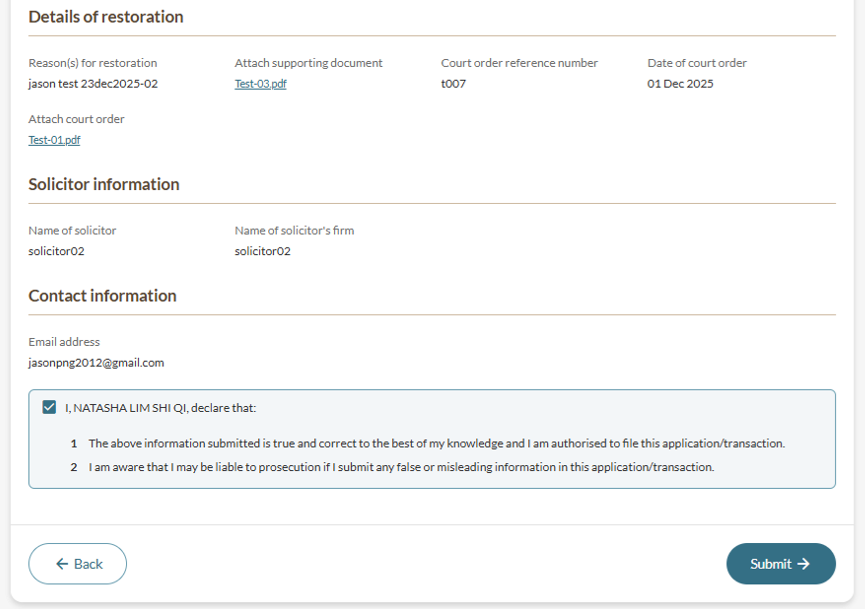
Note: All entity and personal information (including UEN, entity details, NRIC or FIN numbers, names and addresses) shown are dummy data for illustration purposes only.
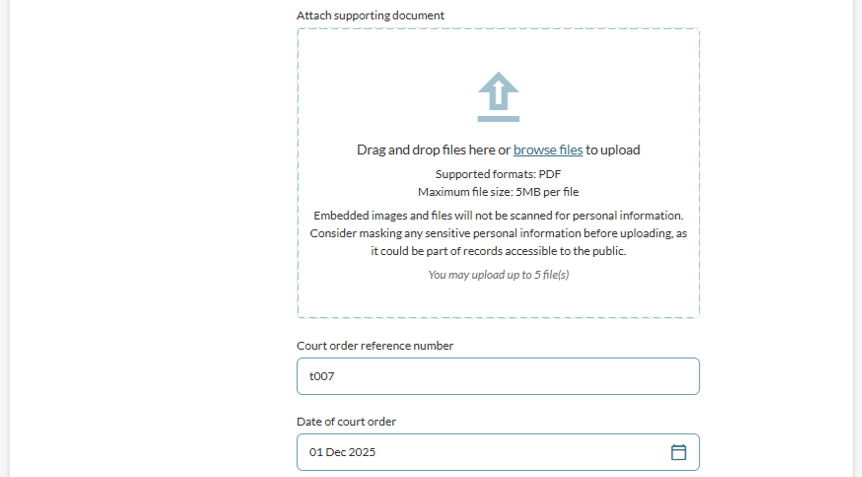
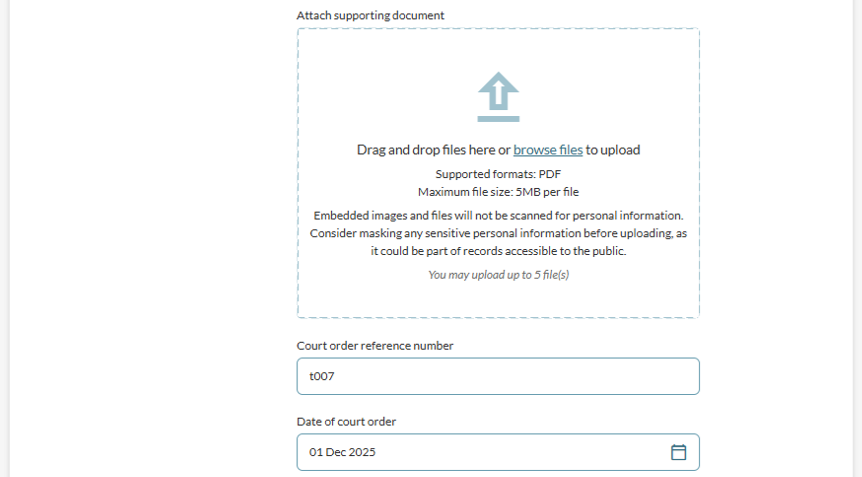
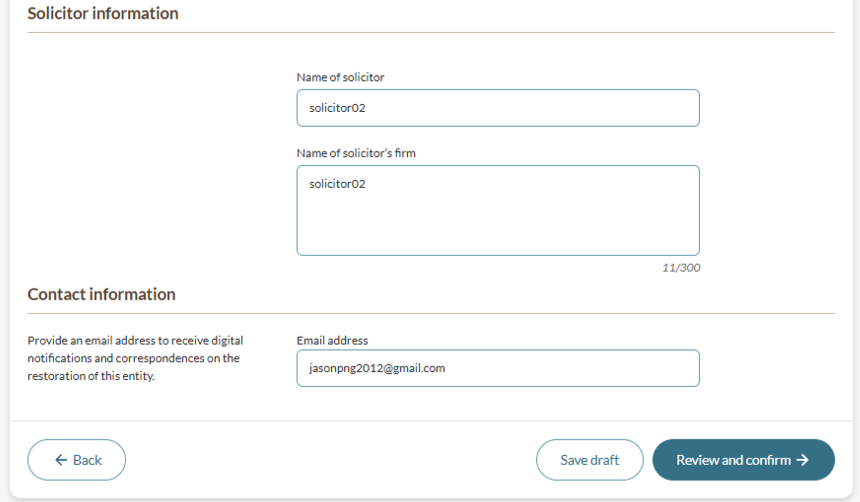
Step 2: Enter restoration details
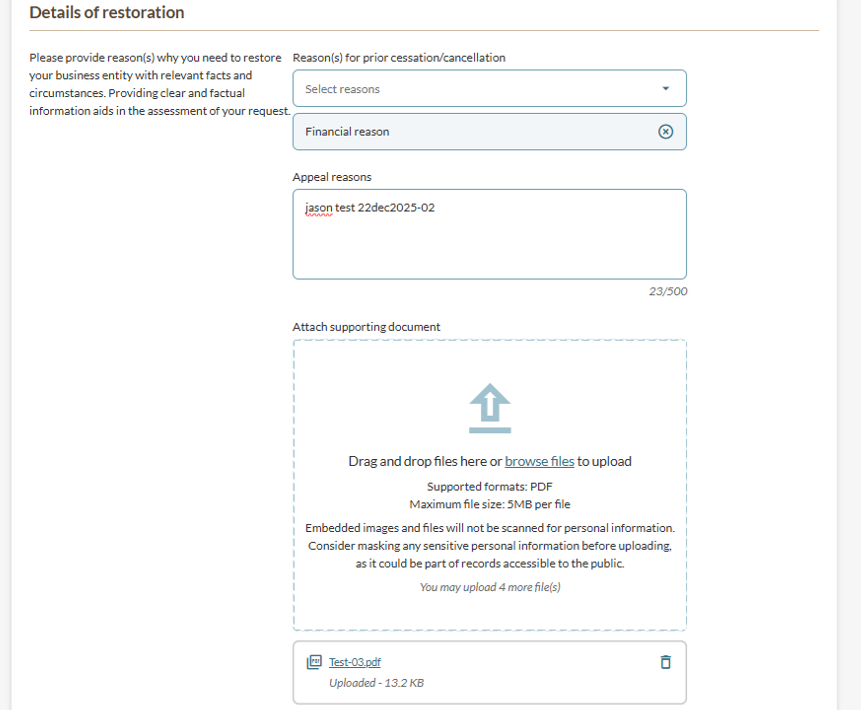
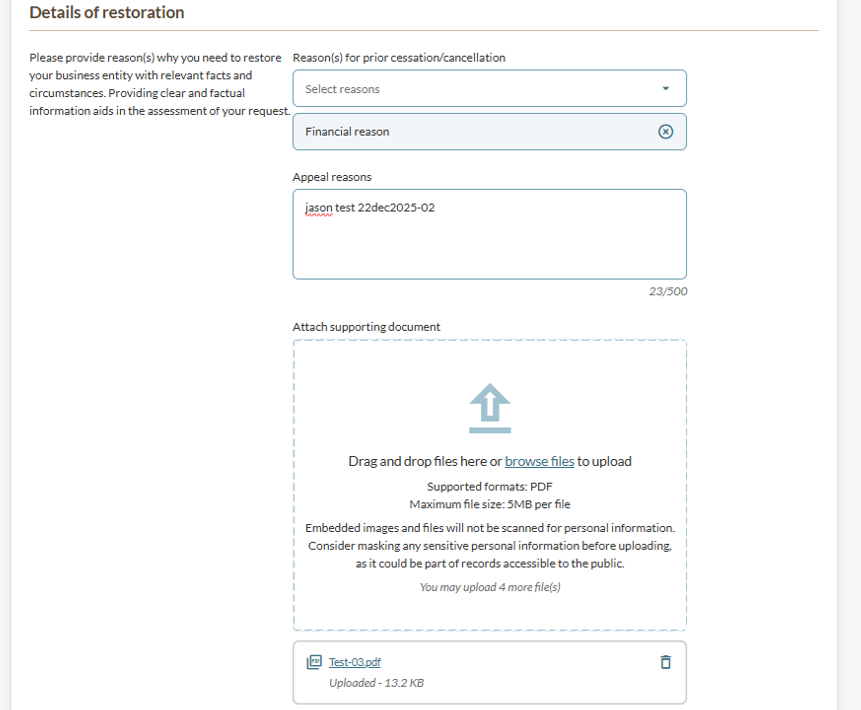
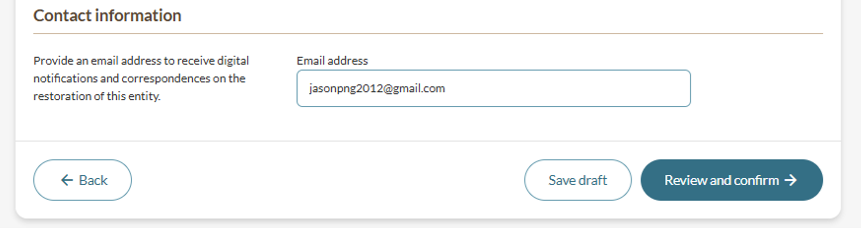
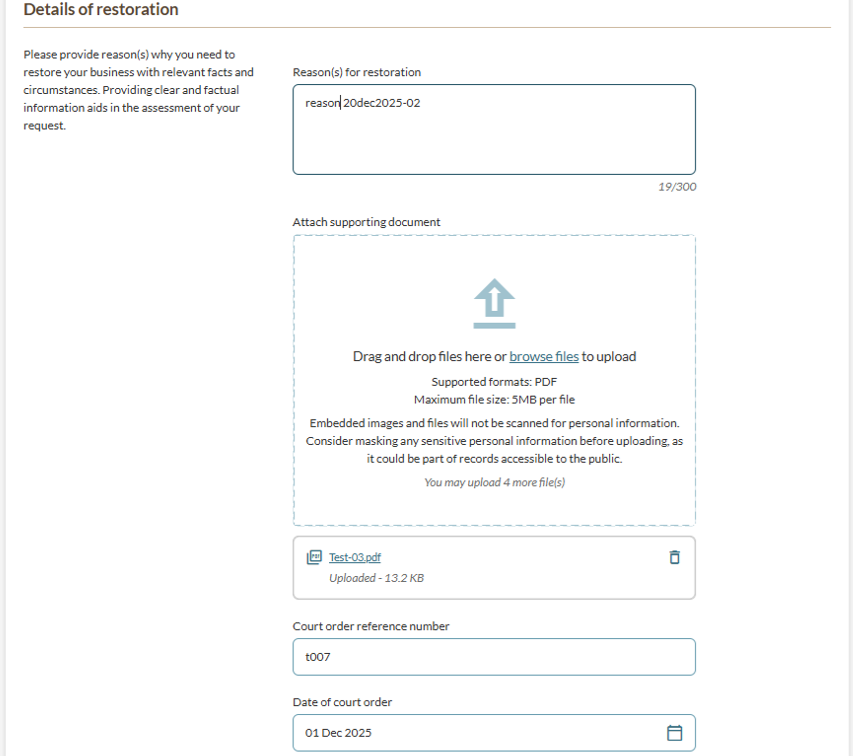
Provide details about the application for restoration. Steps differ for each application type.
Apply to restore business entity following cancellation
Apply to restore business entity through court order
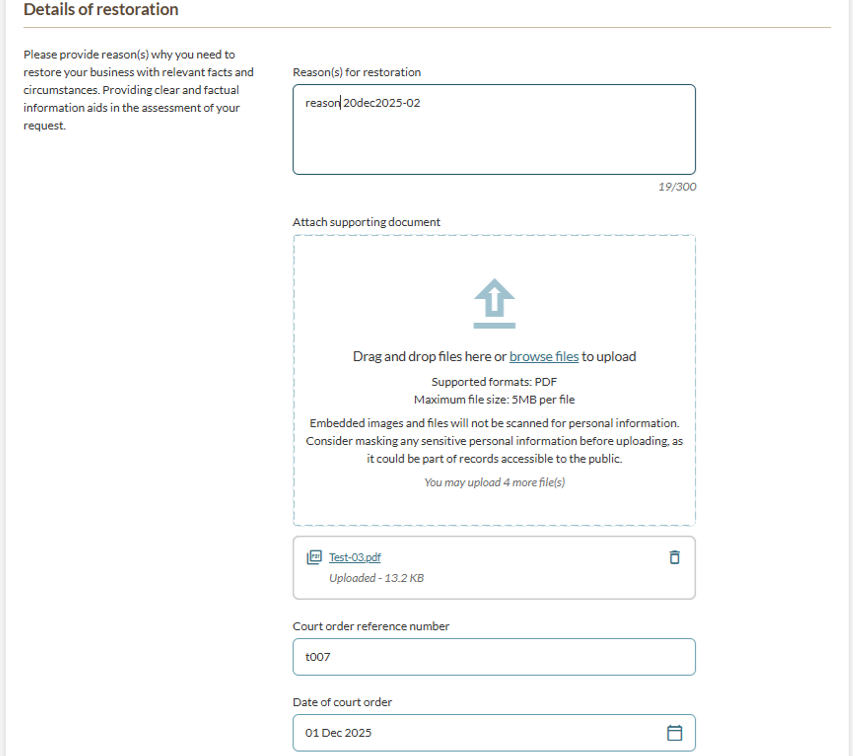
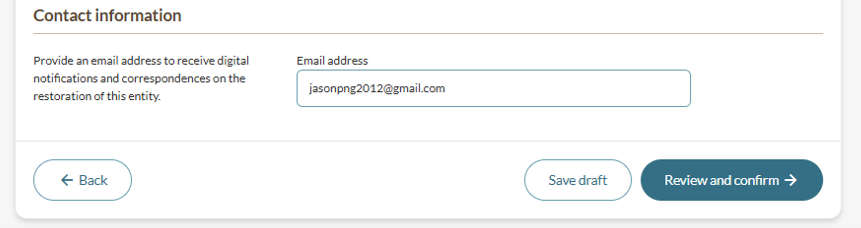
Apply to restore business entity through administrative restoration
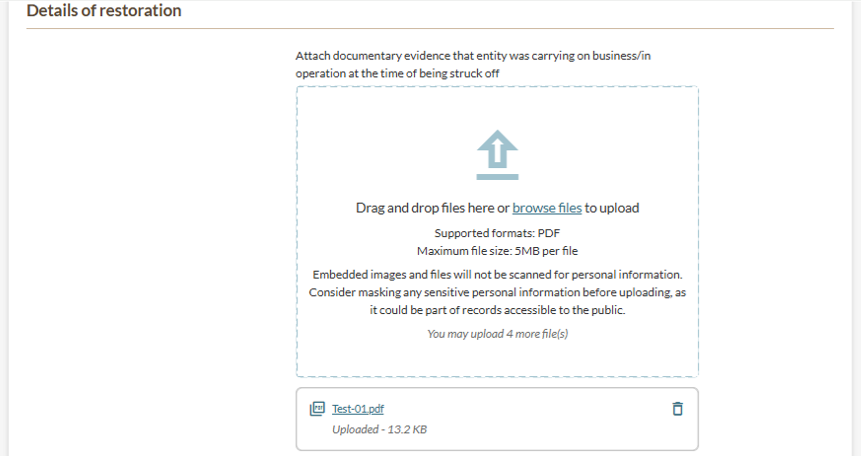
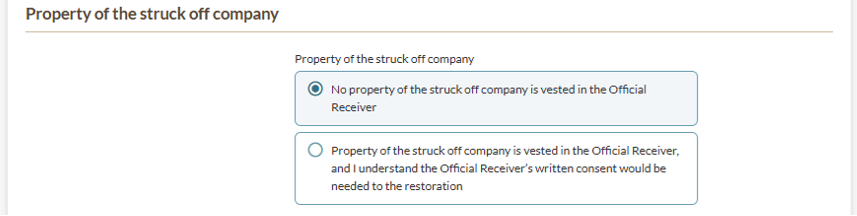
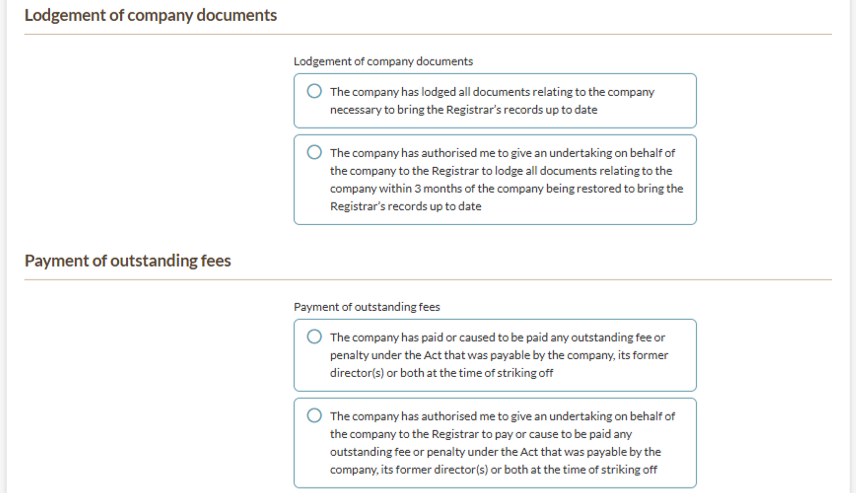
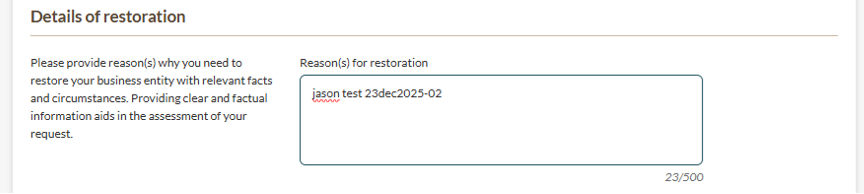
Apply to restore business entity through order of court declaring dissolution of company void
Step 3: Review and submit
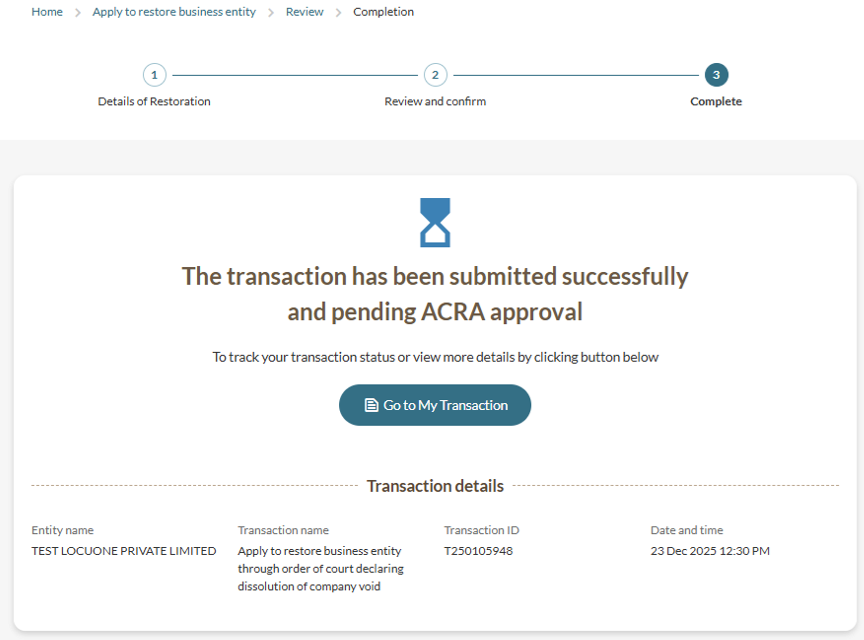
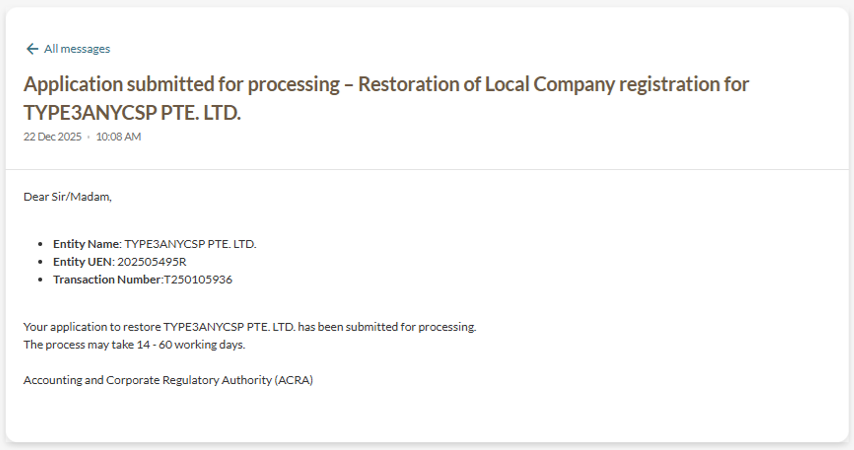
After you apply
Apply to restore business entity following cancellation
Your restoration application will have one of three outcomes:
'Live' Status: Your entity is immediately active. Log out of Bizfile completely, then log back in as a Business User to make any necessary filings with Bizfile.
'Registration expired but not renewed' Status: Your restoration has been approved, but as your registration has expired. You must also file a Renew Business Registration to continue with your business.
Submitted to ACRA for review: Your restoration request has been received and will be reviewed by the processing team.
After Restoration:
With existing Corppass: Log out of Bizfile completely, then log back in as a Business User to see the status update and proceed with renewal.
Without Corppass: Wait until the next business day, then apply for Corppass access before logging into Bizfile as a Business User to file for renewal.